Browser.Lol 2026 Review: Fast, Secure Web-Based Browser
You need a safe place to browse. You want to check a sketchy link or test a website without infecting your machine or leaving a digital trail. That’s why web-based virtual browsers exist. Browser.Lol is one of the biggest names in this space, promising a clean, isolated session right in your browser.
This is a straightforward review. We’ll break down exactly how Browser.Lol works, what its technology can and can’t do, and whether its safety claims hold up. Most importantly, we’ll tell you who should use it and who needs to move on to a professional-grade alternative.
Here is what we cover in this review:
- What a web-based virtual browser is and where Browser.Lol fits in.
- A direct look at its features, including the freemium model and technical specs.
- An honest evaluation of its safety and privacy, including its Swiss/German legal standing.
- Real-world User Feedback from communities like Reddit.
- A comparison with the best alternatives for professional use: Multilogin, Gologin, and Undetectable.io.
- A detailed FAQ section to answer your quick questions.
What is a Web-Based Virtual Browser?
Forget the browser installed on your computer. A virtual browser is a cloud-hosted application. It runs entirely on a remote server. When you use it, you are streaming a live video feed of a browser session running somewhere else.
This remote setup gives you three key advantages:
- Isolation: All web activity—loading pages, running scripts, handling cookies—happens in a separate, isolated environment. It’s a sandbox.
- Security: Malware or trackers you hit are contained on the remote server. They never touch your local device.
- Statelessness: The session is temporary. You close the tab, the environment wipes clean. Zero local trace of your activity.
This technology makes these tools perfect for quick, disposable, and risk-free browsing.
What is Browser.Lol?
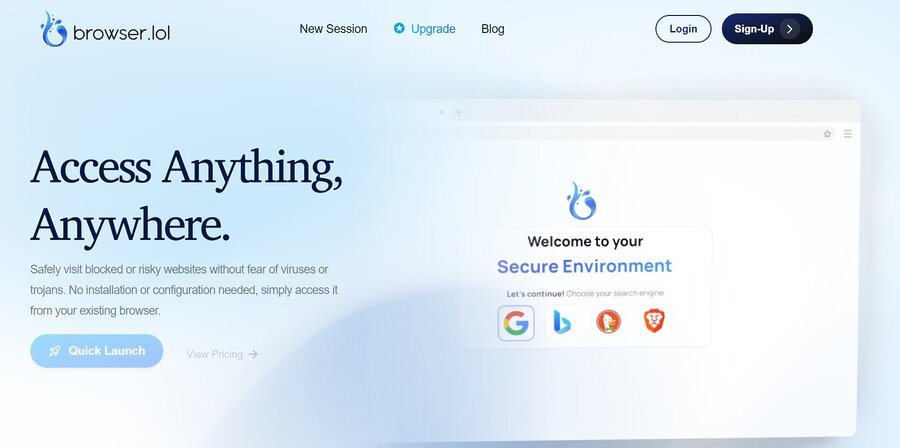
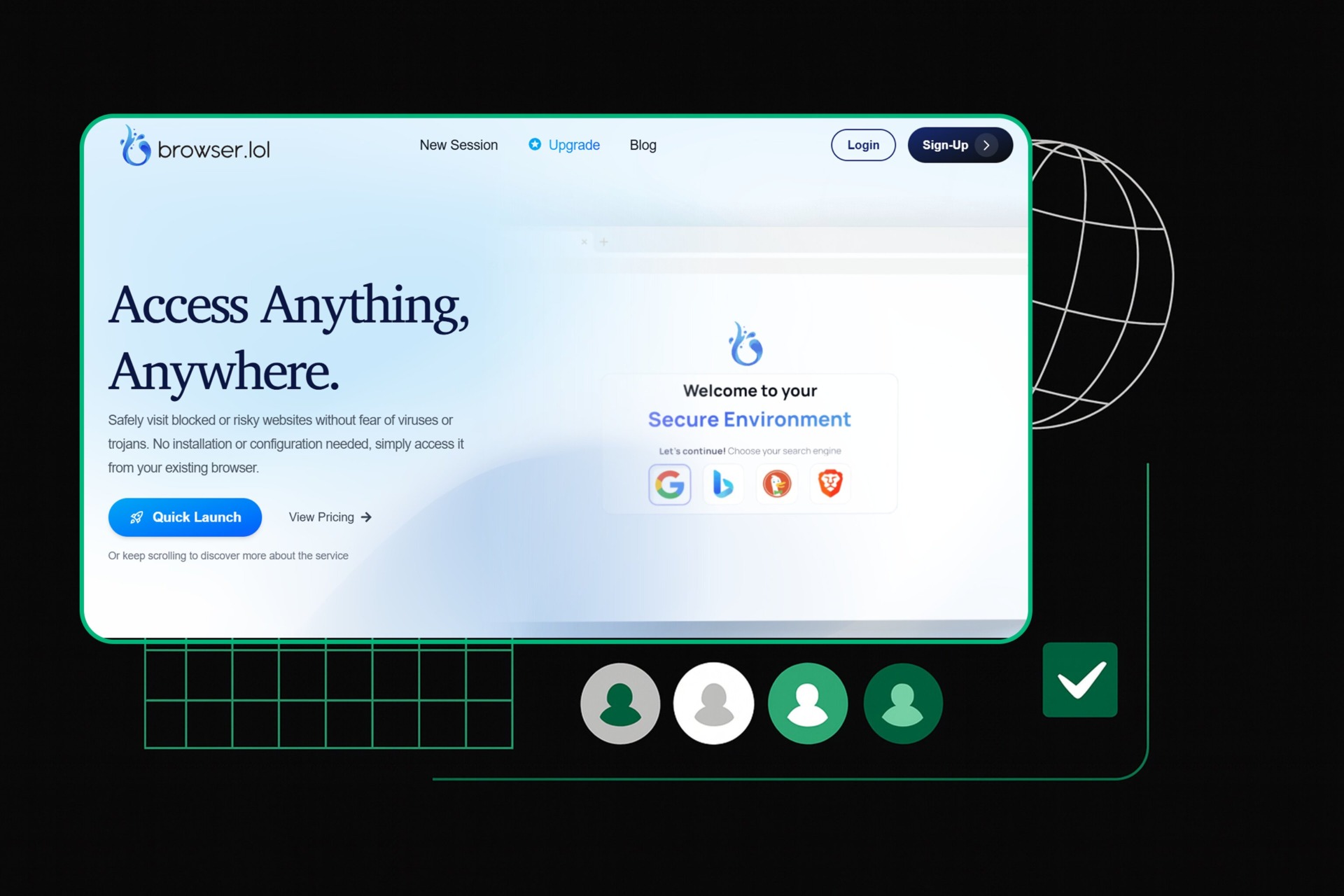
Browser.Lol is a lightweight, cloud-based virtual browser. It sells itself as a simple, no-installation solution for users who need a clean, secure environment now. The service is currently in public beta and targets individual users who want fast, secure browsing without the headache of setting up a traditional virtual machine or antidetect software.
The core appeal of Browser.Lol is its simplicity. You don’t download software. You don’t configure anything. You don’t even need an account for basic use. You go to the website, click “Quick Launch,” and you are in a remote, sandboxed session. This ease of access is a huge win for non-technical users who just need to check a suspicious link or run a quick, private search.
Key Features and Technical Specifications
Browser.Lol uses a freemium model. They are transparent about what you get at each level. The service is built for speed and isolation.
1. Instant, Ephemeral Sessions
The platform is built for speed. Sessions launch in seconds. They are ephemeral, meaning they are temporary. This stateless design ensures that all cookies, cache, and history are deleted when the session ends. You get a clean slate every time.
2. Sandboxed Security and Isolation
Every session runs in a secure, isolated container on a remote virtual machine (VM). This sandboxing is your main security layer. It protects your local device from threats. Your real IP address, device information, and local system resources are never exposed to the websites you visit in the virtual session.
3. Transparent Freemium Model
Browser.Lol offers a clear pricing structure. This is a big part of its appeal.
| Feature | Free Plan (Ad-Supported) | Premium Plan ($9/mo) | Lifetime Unlock ($24 One-Time) |
| Session Duration | Up to 2 Hours (Active Use) | Unlimited (∞) | Extended Timeouts |
| Inactivity Timeout | 2 Minutes | 30 Minutes | Extended Timeouts |
| Ads | Yes | No (Ad-Free) | No (Ad-Free) |
| Bandwidth | 20 Mbit/s | 100+ Mbit/s | 100+ Mbit/s |
| CPU/RAM | Up to 2 Cores / 2 GB | 4 Cores / 4 GB | 4 Cores / 4 GB |
| Best For | Casual, quick unblocking | Power users, professionals | Permanent access to all browsers |
The free tier is generous. It works for individual, casual use. The Premium plan gives you the resources needed for longer, more intensive tasks.
4. Swiss/German Privacy Compliance
Browser.Lol takes privacy seriously. They operate under strict Swiss data protection regulations. Their servers are in Germany. Privacy-conscious users like this jurisdiction because it enforces strong data protection laws, including GDPR compliance. The company says you don’t need personal data for basic session use. That reinforces their privacy-first approach.
How Browser.Lol Works
The technology here is basically remote desktop streaming optimized for web browsing.
1. Remote Session Rendering
You start a session. A dedicated virtual machine spins up on a cloud server. All the browser activity—the actual loading and rendering of the website—happens on that remote VM. The visual output streams back to your local browser via a low-latency connection. Your input (clicks, keystrokes) goes back to the remote VM in real-time. The target website only sees the remote server’s IP and environment. It never sees your local machine.
2. Stateless Architecture and Limitations
The stateless nature of the sessions is a double-edged sword. It guarantees a clean environment every time. But it makes Browser.Lol useless for workflows that need persistence or advanced control.
- No profile persistence: You can’t resume, clone, or save sessions. It has no persistent user profile. This is a critical feature for multi-account management.
- No proxy control: You can’t assign custom proxies (residential, datacenter, etc.). All traffic comes from the default server IP assigned by Browser.Lol.
- No fingerprint control: The platform gives you no tools to alter the browser fingerprint (User Agent, WebGL, Canvas, etc.). The remote browser presents a consistent, identifiable fingerprint to every website.
This design is clear: the tool is for disposable, single-session browsing. It is not for professional-grade anti-detection or automation.
Is Browser.Lol Safe? A Privacy and Security Evaluation
The question, “is browser lol safe,” is the most important one. The answer depends on what you mean by “safe.”
1. Security: Protection from Malware and Local Compromise
From a security standpoint, Browser.Lol is very effective. Its sandboxed, remote environment offers a near-perfect defense against local compromise. If you click a bad link, the threat is contained in the remote VM and destroyed when the session ends. Use it for safe browsing and testing suspicious content. It works.
2. Privacy: Protection from Tracking and Fingerprinting
Privacy is more complicated. The service hides your real IP address. Good. But it lacks the advanced anti-tracking features found in dedicated antidetect browsers.
| Privacy Aspect | Browser.Lol Status | Implication |
| Real IP Masking | Yes (Uses server IP) | Hides your physical location from the target site. |
| Browser Fingerprinting | No Control | The remote browser presents a consistent, identifiable fingerprint. |
| Proxy/Geo-Control | No Control | Cannot simulate a specific location or use a clean residential IP. |
| Data Jurisdiction | Swiss/German | Strong legal protection for user data and session logs. |
For the average user, the security and basic IP masking are enough. But if you need to evade sophisticated tracking (multi-accounting, ad verification), the lack of fingerprint and proxy control is a major problem.
User Feedback and Real-World Performance
User feedback on Browser.Lol—mostly from Reddit and tech blogs—is consistent. It has clear strengths and weaknesses.
Pros Cited by Users:
- Ease of Use: The “Quick Launch” feature gets constant praise. Users love the zero-setup, instant access model. It is highly accessible.
- Performance (Premium): Premium users report great speed and responsiveness. The 100+ Mbit/s bandwidth claim holds up.
- Disposable Security: It is the go-to tool for its core function: checking suspicious links and running quick, disposable research without fear of infection.
Cons Cited by Users:
- Ads on Free Tier: Banner and video ads on the free tier are a major complaint. It undermines the “privacy” experience.
- Lack of Advanced Features: No proxy integration and no browser fingerprint management. This is the biggest drawback for power users. It is not an antidetect browser.
- Session Timeouts: The short inactivity timeout (2 minutes) on the free plan is frustrating if you need to step away briefly.
The consensus is this: Browser.Lol is an excellent tool for its niche—simple, secure, disposable browsing. It is not a professional solution for complex, persistent tasks.
Browser.Lol Alternatives: When You Need More Power
Browser.Lol is great for quick, disposable sessions. But its limitations show up fast when you deal with professional tasks like multi-account management, large-scale data scraping, or ad verification.
Explore advanced options for undetectable browsing and profile isolation with the best antidetect browsers.
1. Multilogin (Best all-in-one solution for beginners and small teams)

Pricing
Key Features
Multilogin is the most beginner-friendly antidetect browser for anyone starting with multi-accounting. It works straight out of the box and gives small teams everything they need to stay undetected from day one. As your operations grow, Multilogin scales smoothly to hundreds or even thousands of profiles without adding complexity.
Why Multilogin stands out:
- 55+ realistic fingerprint parameters that create clean, undetectable browser profiles
- Built-in residential proxies in every plan — no external setup needed
- Cookie Robot to warm up profiles automatically
- Quick AI Actions to create bulk profiles in seconds
- Beginner-friendly interface designed for fast setup and simple daily workflows
- Cloud storage and easy syncing across devices
- 24/7 multilingual support when you need help
- Scalability up to 10,000+ profiles as your business grows
Best for:
Small teams, solo entrepreneurs, outreach and lead-gen operators, social media workflows, and anyone who needs reliable, safe multi-accounting without technical headaches.
2. GeeLark (Cloud‑based mobile & web multi‑account solution)

Pricing
Key Features
GeeLark is a multi‑account platform that combines a cloud‑hosted Android environment with an antidetect browser. It helps users run both mobile apps and web accounts from a single dashboard, making it a flexible choice for teams that need real device identities and cloud access.
Why GeeLark stands out:
- Cloud Android phones with unique device fingerprints for native app workflows
- Antidetect browser profiles that isolate every account and prevent linking
- Dedicated proxy support so each profile uses its own IP address
- Automation tools like Synchronizer and RPA templates for repetitive tasks
- Team collaboration with shared access, roles, and activity logs
Learn more about managing mobile accounts efficiently withthe best cloud phone Android providers for seamless multi-device automation.
Best for:
Users who need both mobile app access and web account management without juggling physical devices — particularly helpful for social media, affiliate marketing, or mobile‑centric workflows.
FAQ
What is Browser Lol?
Browser.Lol is a web-based virtual browser. It runs entirely in the cloud. It gives users an instant, sandboxed, disposable browsing environment accessible through their existing web browser. Use it for safe browsing and quick, private research.
Is Browser Lol safe?
Yes, Browser.Lol is safe for your local device. The browsing session runs on a remote server. Any malware is contained there and cannot affect your computer. However, it is not an antidetect browser. It offers limited protection against sophisticated tracking and fingerprinting.
What is a Browser.Lol alternative?
A Browser.Lol alternative depends on what you need from a virtual browser. If you only require quick, disposable browsing for checking links or lightweight tasks, other free web-based browsers or virtual browsers may suffice. However, if your goals include professional multi-account management, automation, or advanced privacy, Browser.Lol falls short.
For professional multi-accounting, Multilogin is the top alternative. It offers full browser fingerprint control, proxy management, and persistent profiles, making it ideal for managing multiple accounts securely and efficiently. Multilogin also supports automation and scaling, which Browser.Lol does not, allowing teams and individuals to run dozens or even thousands of profiles without detection.
Is Browser Lol alternative free?
Yes, many Browser Lol alternative free options exist. These include the free tiers of other virtual browser services or basic web proxies. But free alternatives usually have big limitations: slow speeds, ads, and short session durations. Browser.Lol’s own free tier is a good example of this trade-off.
How can I access Browser lol unblocked?
Browser Lol unblocked usually means accessing the service from a restricted network (like a school or workplace) that blocks the domain. Since the service itself is a proxy, if the domain is blocked, you need to use a different proxy or a VPN to access the Browser.Lol website first.
Conclusion
Browser.Lol delivers on its promise. It is a fast, secure, disposable browsing environment. It requires zero installation. For the average user who needs to check a suspicious link or run a quick, private search, the free or low-cost Premium plan is great value. Its Swiss/German legal standing and stateless architecture provide a solid base for basic privacy.But be clear: Browser.Lol is not a professional antidetect solution. It lacks proxy integration and browser fingerprint control. That makes it useless for complex, persistent tasks like managing multiple online accounts or large-scale data scraping. For those demanding workflows, you must use alternatives like Multilogin. Browser.Lol is a highly recommended tool for casual, secure browsing. Know its limits before you use it for high-stakes operations.