

IPhey Checker Review 2026 and Alternatives List
You’re trying to stay anonymous online. You’re using a VPN, maybe a proxy, or even an anti-detect browser. The big question is: Does it actually work? That’s where IPhey (iphey.com) comes in.
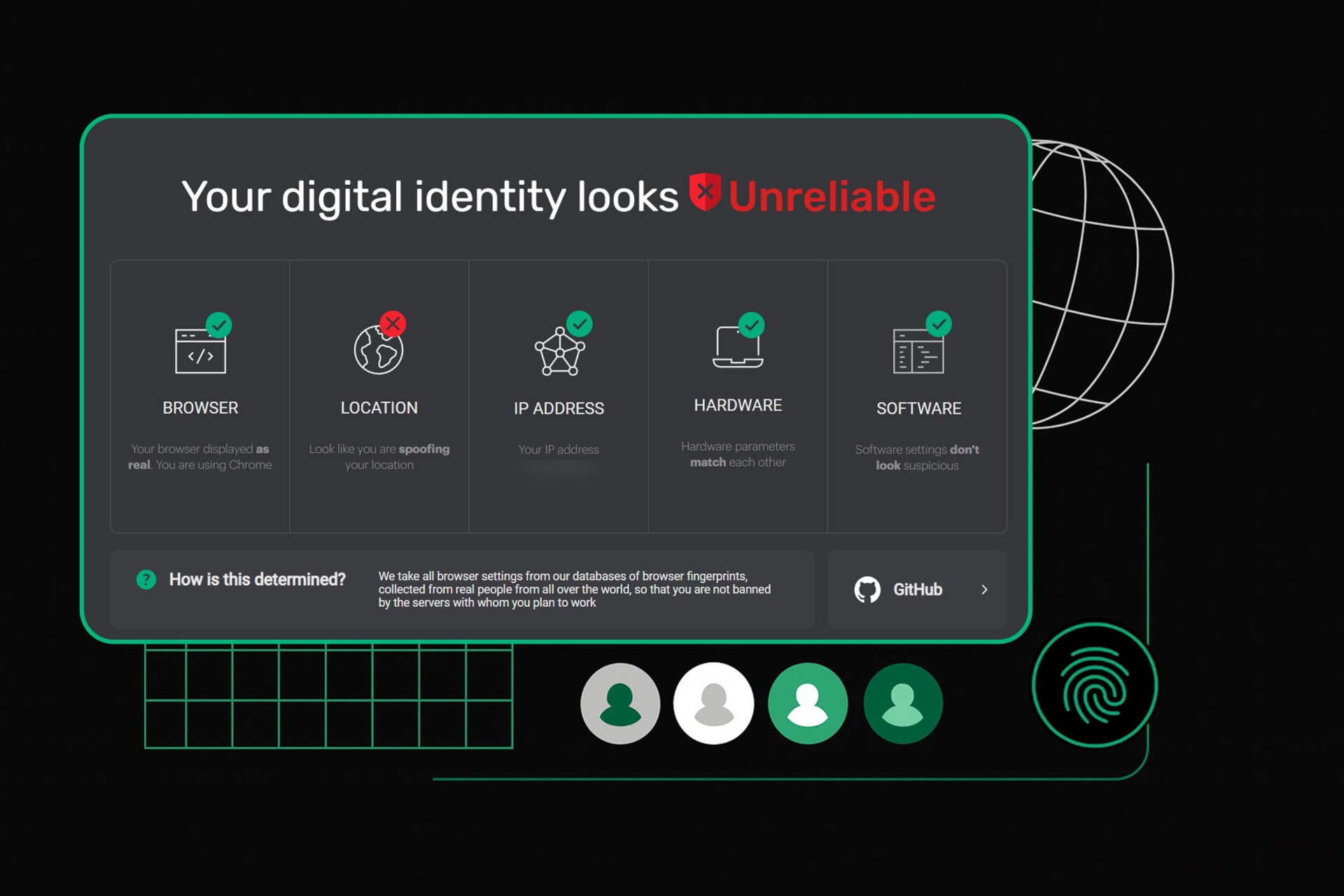
It’s a free tool that acts like a quick mirror for your digital identity. It doesn’t just show your IP; it tells you exactly what websites can see about your setup.
This review cuts through the noise to show you what IPhey checks, how it stacks up against the heavyweight, Pixelscan, and what other tools you should have in your arsenal.
Looking for a Browser Fingerprint Checker?
Check your setup right now on Pixelscan.
What is IPhey?
IPhey is a browser fingerprint checker. It inspects the technical signals your browser exposes to websites and shows how your setup looks from their side.
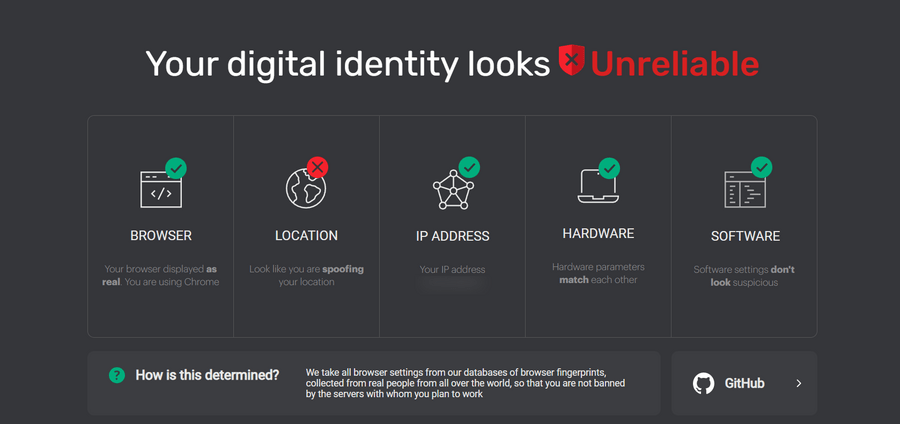
These signals include fonts, screen resolution, WebGL data, and other environment details. IPhey checks whether those values line up and flags anything inconsistent.
This is the same information anti-fraud systems use to spot risky or unnatural setups. IPhey lets you catch those issues first.
Here’s a breakdown of the core checks IPhey runs:
| Category | Details of Check | Why It Matters |
| IP & geolocation | Public IP address, ISP, and where the server thinks you are. | You need to know if your VPN or proxy is leaking your real location. Simple as that. |
| Browser fingerprint | Canvas, WebGL, AudioContext, and other hardware-related identifiers. | This determines how unique your browser profile is. If it’s too unique, you get flagged. |
| System settings | Timezone, language, and screen resolution consistency. | If your IP says you’re in New York but your clock says London time, you have a problem. |
| WebRTC & DNS | Tests for leaks in your WebRTC and DNS server requests. | These are common leak points that can expose your true IP address, even with a VPN running. |
| Device inconsistencies | Checks for oddities in CPU, memory, and battery status reporting. | Websites look for signs that you’re running a virtual machine or a spoofed profile. |
The bottom line is this: IPhey answer one direct question: Does my setup look like a normal person browsing the internet? If the answer is no, IPhey will show you the reason.
IPhey vs. Pixelscan: The Comprehensive Check
IPhey is great for a quick check. It’s fast, and it focuses on the fingerprint. But when you need to pass the toughest anti-fraud systems, you need to step up to Pixelscan.
Pixelscan is a comprehensive all-in-one checker. It runs more checks than IPhey and covers the needs of most internet hustlers.It bundles a bunch of diagnostic tools into one report, making it a much harder test to pass.
| Feature | IPhey (iphey.com) | Pixelscan (pixelscan.net) |
| Fingerprint check | Primary Focus (Good) | Core Feature (Excellent, deeper analysis) |
| IP check | Yes | Yes |
| DNS leak test | Yes (General) | Yes (Advanced, separate check) |
| Bot detection check | No | Yes (Advanced, separate check) |
| IP blacklist check | No | Yes (Advanced, separate check) |
| VPN checker | No | Yes(Advanced, separate check) |
IPhey offers a basic fingerprint check. It gives you a simple, general view of your browser setup and helps catch obvious inconsistencies. Nothing more than that.
Pixelscan is fast as well, but it goes deeper. Each check runs as a separate tool, focused on a specific risk area like fingerprint data, bot signals, IP reputation, or blacklist status. That structure makes the results more detailed, more accurate, and more dependable—even when you’re moving quickly.
User Feedback: What the Community Says
In the communities that rely on anti-detect browsers and proxies, IPhey and Pixelscan are the two benchmarks. The consensus is simple: you need to pass both.
The general sentiment across forums and social media is that IPhey is the basic check for fingerprinting. Pixelscan is the final, more advanced exam for network integrity and security. Users appreciate IPhey’s speed and clear results for routine checks, but they know that passing Pixelscan is the true measure of a robust, undetectable setup. If you pass both, your setup is solid.
Common Use Cases for IPhey
Why do people use IPhey? It’s not just for the ultra-paranoid. It’s a practical tool for anyone who needs to control their online identity.
- Testing anti-detect browsers: This is the primary use. You set up a new profile in a tool like GoLogin or Multilogin, and you immediately run IPhey to see if the browser is successfully spoofing your Canvas, WebGL, and other fingerprint elements.
- Verifying VPN/Proxy setup: You need to confirm that your VPN or proxy is working correctly and, more importantly, that it’s not leaking your real IP through DNS or WebRTC requests. IPhey gives you a quick pass/fail on these critical leak points.
- Troubleshooting account Bans: If an account gets banned, the first step is often to check the new profile setup on IPhey. It helps diagnose if the ban was due to a sloppy fingerprint or a configuration mismatch (like a timezone/IP mismatch).
- Maintaining anonymity for research: For journalists, security researchers, or anyone needing to browse the web without leaving a traceable digital signature, IPhey is a crucial pre-flight check.
Top 10 IPhey Alternatives
IPhey is solid, but it’s not the only game in town. Depending on what you need to check—whether it’s a deep leak test or just basic IP data—you have options. Here are the top 10 alternatives you should know about, with Pixelscan and WhoerIP leading the pack.
1. Pixelscan
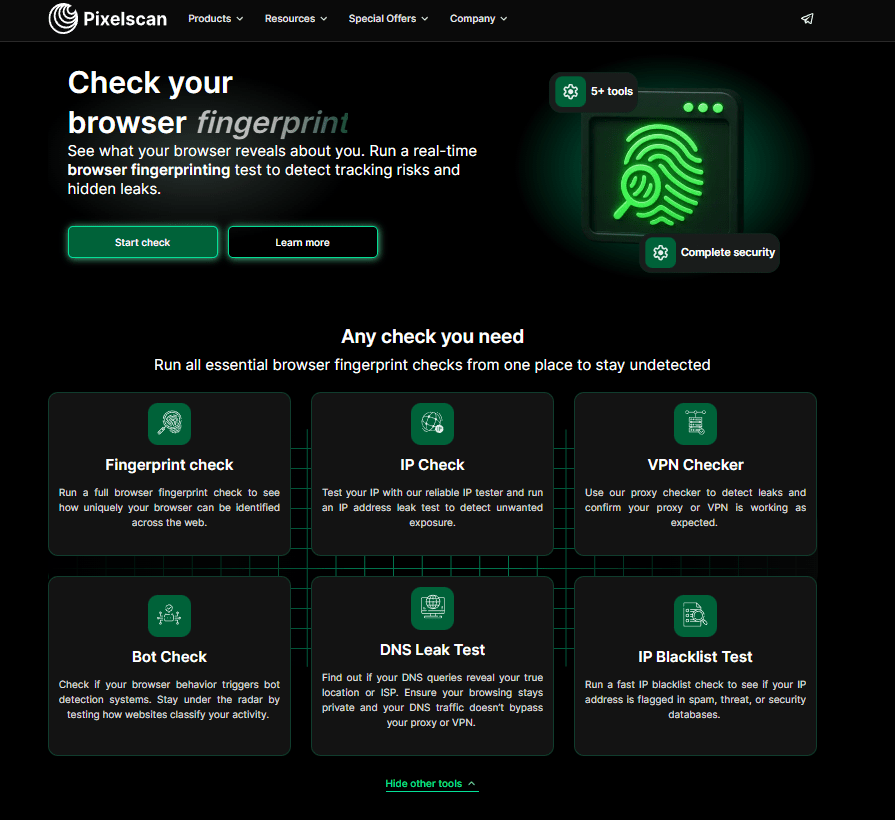
This is the gold standard for anyone running anti-detect browsers or high-stakes stealth setups. It gives you a complete view of your setup—fingerprints, leaks, proxies, and blacklists—all in one place.
Key Features:
- Comprehensive all-in-one tool
- Explicit bot and blacklist scanning
- Fast and continuously updated
2. WhoerIP.com
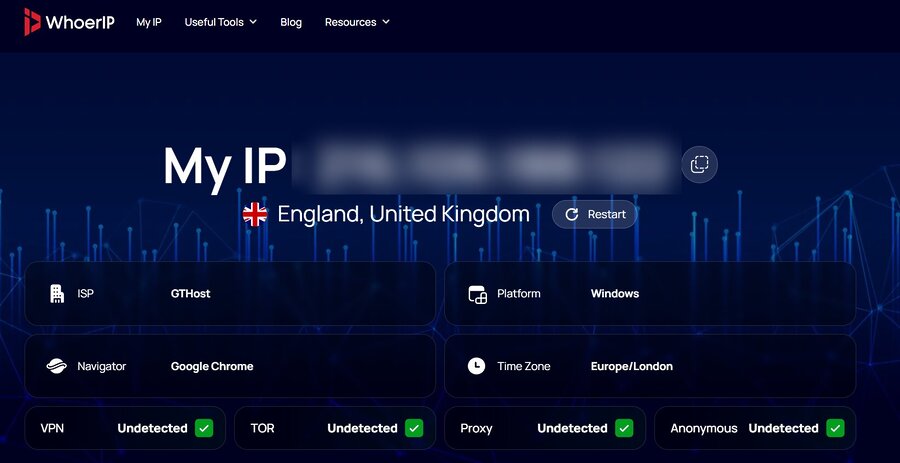
WhoerIP is a modern checker that goes beyond simple IP lookups. It gives you a detailed snapshot of your connection, combining IP, DNS, WebRTC, and fingerprint signals into one clear report.
Key Features:
- Clean, ad-free interface
- Comprehensive coverage from leaks to fingerprint consistency
- Provides actionable guidance to fix issues
3. IPLeak.net
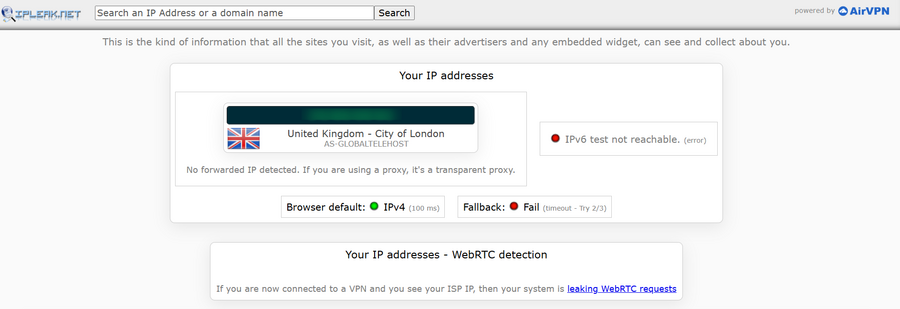
If your main concern is leaks, this is your tool. IPLeak.net is famous for its deep leak testing, covering core IP details, critical WebRTC, and a wide range of browser fingerprint clues like canvas and WebGL.
Key Features:
- Exceptional deep leak testing
- Wide coverage including WebRTC
- Canvas/WebGL/AudioContext fingerprint clues
4. IPinfo.io

This tool focuses purely on IP data. IPinfo.io provides detailed information on IP address, location, ISP/organization, and ASN. However, it requires you to create an account and offers paid pricing tiers. Because of that, it’s not ideal if you want a quick, hassle-free way to check your anti-detect setup or run full fingerprint diagnostics.
Key Features:
- Solid for basic IP intelligence
- Includes VPN, proxy, Tor, and anonymous checks
- Detailed ISP/organization and ASN data
5. WhatIsMyIP.com
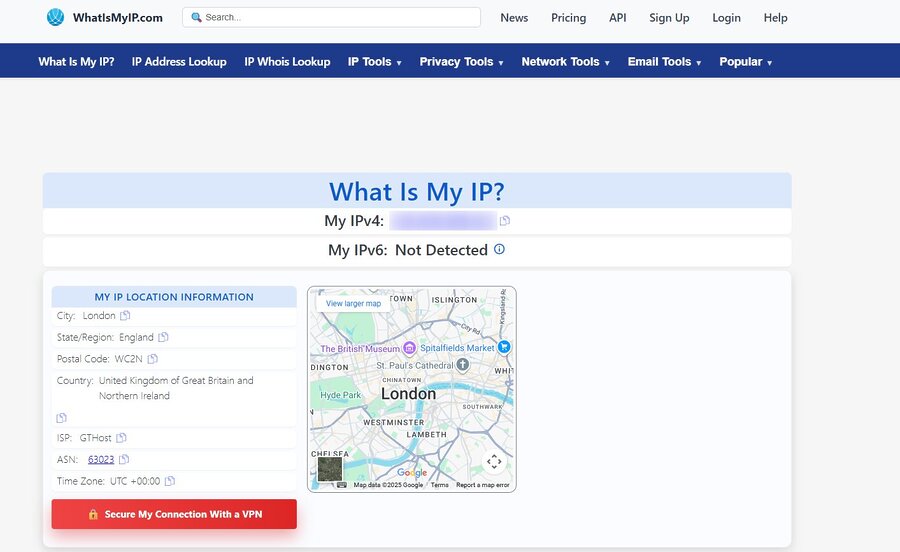
This is a straightforward checker for when you need the basics about our IP adress. It provides essential info like your IP, location, ISP, and a quick proxy check. Use it for a quick, no-frills verification of your IP address.
Key Features:
- Simple and direct for basic checks
- Provides IP, location, ISP, and proxy check
6. IPLocation.io
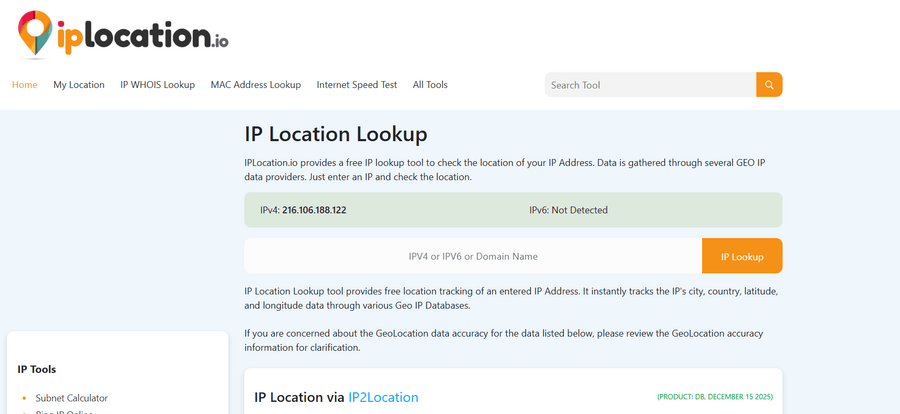
IPLocation.io is reliable for checking your geolocation and ASN data. It accurately provides IP, ISP, country, and timezone info, and it also includes checks for VPN, Proxy, and Tor usage.
Key Features:
- Reliable for verifying geolocation and ASN data
- Includes VPN/Proxy/Tor/anonymous checks
7. Whoer.com
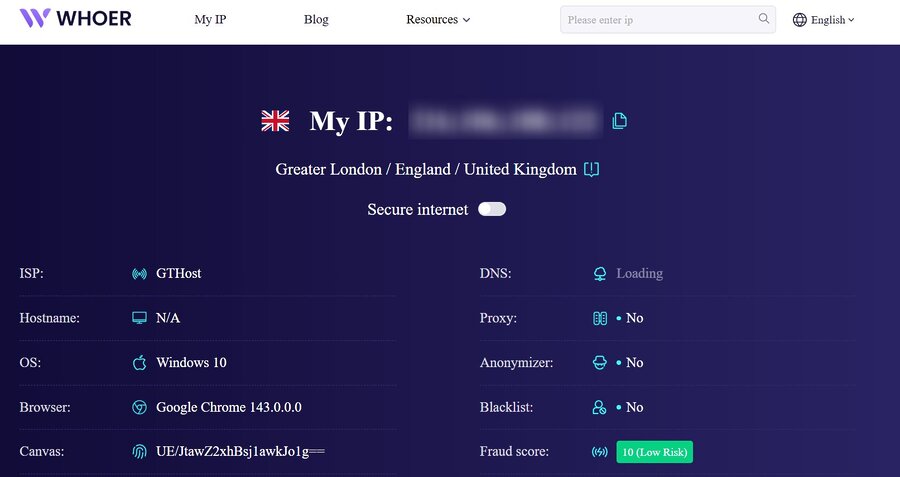
Don’t confuse this with WhoerIP.com. Whoer.com is a quick IP checker that shows your address, ISP, and location. It’s limited to surface-level data and is only useful if you just need to confirm your IP address.
Key Features:
- Fast and simple for basic IP lookups
- Shows IP, ISP, and location
8. IPLocation.net
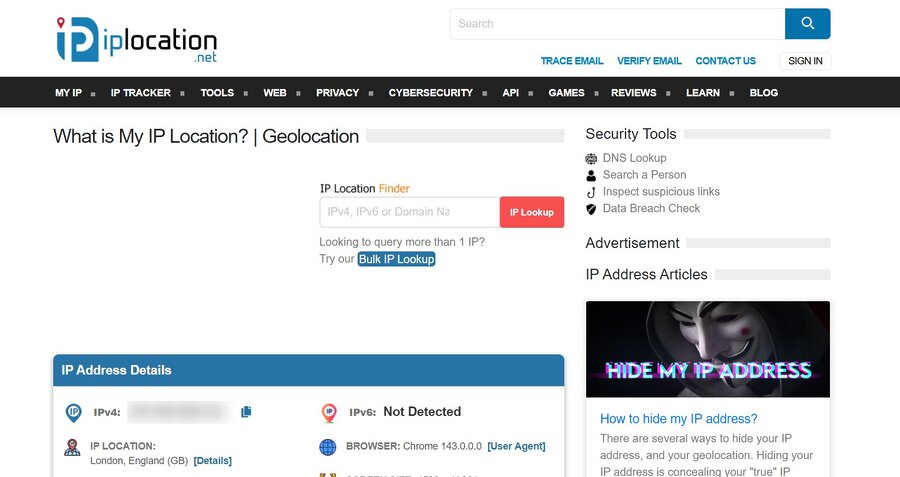
This tool offers fundamental IP and location data. It’s functional, but it lacks the granular detail and comprehensive insights you’ll find in the more advanced tools on this list.
Key Features:
- Provides fundamental IP and location data
9. IP2Location.com
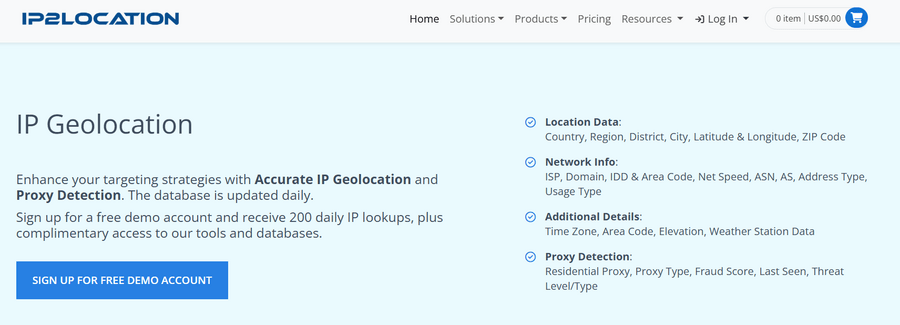
IP2Location offers the IP Address Geolocation Database and the IP2Proxy Proxy Detection Database. It provides highly detailed location data, including country, region, city, and ISP.
That said, it requires an account and paid access. If your goal is to quickly check anti-detect setups or fingerprints, it’s not the most convenient or practical choice.
Key Features:
- Detailed IP geolocation data
- Precise info on country, region, city, and ISP
10. ShowMyIP.com
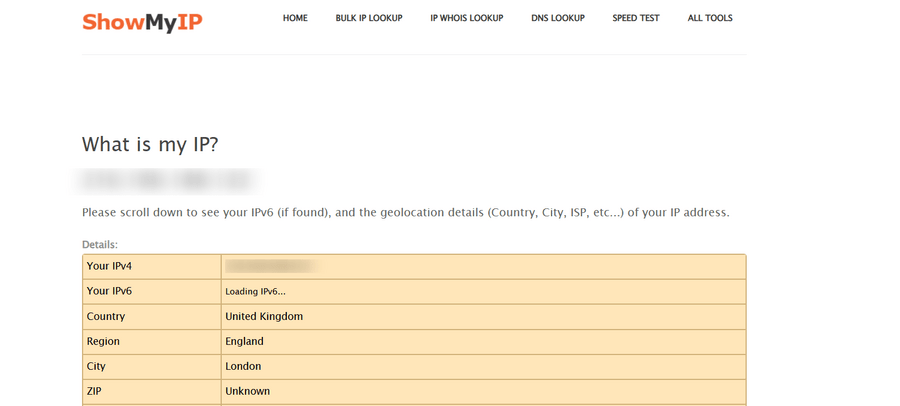
ShowMyIP.com is a simple, direct tool. It displays your IP address and basic location without any complex analysis. It’s best for a quick, straightforward IP address display and nothing more.
Key Features:
- Simple and direct display of IP and basic location
FAQ
IPhey is a basic browser fingerprint checker that provides a quick and simple way to assess how your browser and setup look to websites. It checks details like your IP address, geolocation, system settings, WebRTC, and DNS leaks. It’s primarily used to verify that your VPN or anti-detect browser is hiding your real identity effectively. IPhey is ideal for casual checks but doesn’t go in-depth like some other tools.
Yes, IPhey is entirely free to use. You don’t need to create an account or pay for any premium features to run a basic fingerprint check. It’s a straightforward, no-frills tool that delivers quick feedback about your browser’s digital fingerprint without any barriers or fees.
IPhey offers basic checks for WebRTC and DNS leaks, but it doesn’t provide detailed checks for bot behavior, IP reputation, or blacklist status. While it’s great for checking the general consistency of your browser fingerprint, it doesn’t dive deep into complex leak points or provide advanced bot detection. For more in-depth testing, you’ll need a tool like Pixelscan.
While IPhey is fast and convenient, it only covers the basics when it comes to fingerprinting. It checks for inconsistencies in browser settings like screen resolution, system language, and WebGL, but it doesn’t look at deeper issues like IP blacklist status or bot detection. IPhey is useful for quick checks, but for serious testing or stealth setups, it lacks the comprehensive analysis offered by more advanced tools like Pixelscan.
Pixelscan is a more powerful and detailed tool than IPhey. While IPhey focuses on quick, surface-level fingerprinting, Pixelscan breaks down each test into individual modules for deeper analysis. It checks your fingerprint, DNS leaks, bot behavior, blacklist status, and even tests for proxies and VPNs. The main difference is that Pixelscan provides a much more thorough, accurate, and reliable test for serious anonymity setups, making it ideal for users who need to pass sophisticated anti-fraud systems or ensure total privacy.
Yes, using both tools together is a smart strategy for anyone serious about privacy and anonymity. IPhey is great for quick, basic checks to make sure your VPN or anti-detect browser is working as expected. However, if you need to pass more rigorous checks—like bot detection or IP blacklist tests—Pixelscan is the more advanced tool. Using IPhey first for a quick check and then running Pixelscan for a deeper test ensures your setup is fully secure and undetectable.
Several alternatives offer more detailed checks than IPhey, each with its strengths. Some top contenders include:
- Pixelscan: The most comprehensive alternative, ideal for deep checks on browser fingerprints, leaks, proxies, bot behavior, and more.
- WhoerIP.com: Provides a detailed snapshot of your connection with IP, DNS, WebRTC, and fingerprint signals, all in one report.
- IPLeak.net: Specializes in deep leak testing, including WebRTC, DNS, and browser fingerprinting (canvas, WebGL).
- IPinfo.io: Focuses on IP intelligence, offering detailed data about your IP, location, ISP, and ASN, but with a paid account.
- IP2Location.com: Known for precise geolocation data, including country, region, city, and ISP, but it requires a paid account for full access.
Each of these tools offers unique features, so your choice depends on what level of detail and the type of checks you need.
No, none of these tools can replace a VPN or anti-detect browser. What they do is check the effectiveness of your setup. They show you how well your VPN, proxy, or browser fingerprinting tools are masking your real identity. While they can catch leaks and inconsistencies, they don’t provide anonymity themselves. To stay private online, you’ll still need a VPN, proxy, or anti-detect browser in conjunction with these tools for testing.
Some alternatives to IPhey are free for basic checks, while others require paid plans for advanced features. For example, IPhey, Whoer.com, and WhatIsMyIP.com offer free basic services. On the other hand, tools like Pixelscan, IPinfo.io, and IP2Location have free versions with limited features, but you’ll need to pay for access to their more detailed data or advanced tests. It’s worth exploring the free versions first, then upgrading if you need more comprehensive checks.
Conclusion
IPhey is a great, free tool. It does its job well: a fast, clear assessment of your browser’s digital fingerprint. It tells you if your setup is leaking.
But if you’re trying to beat the most sophisticated anti-fraud checks, you need to use Pixelscan. It’s the superior, more comprehensive choice because it checks for blacklists and bot behavior.
The smart move is to use both: hit IPhey for a quick fingerprint check, and then run Pixelscan as the final quality assurance test for your entire anonymity stack.