

Best Free Antidetect Browser in 2026: 7 Best Options
Looking for the best free antidetect browser without committing to a paid plan? A lot of “free antidetect browser download” listings online are really just seven-day trials in disguise, and the fingerprint masking that makes these tools work in the first place (see how browser fingerprinting works for the full breakdown) is exactly the part most trial versions restrict first.
This list only includes tools with a genuine free plan, or a free-forever open-source build: no credit card required, and no expiring trial clock. We checked each one against the core things a free antidetect browser needs to get right: fingerprint consistency, profile isolation, proxy support, and whether the free tier is actually usable for PC-based multi-account work rather than just a demo.
Free antidetect browser recap list
| # | Browser | Free plan | Best for |
| 1 | Clawbrowser | Unlimited, free forever (open source, MIT license) | Automation, AI agents, developers |
| 2 | Incogniton | 10 profiles | Beginners wanting the most free profiles |
| 3 | BitBrowser | 10 profiles | Simple multi-account management |
| 4 | GoLogin | 3 profiles | Cloud-based workflow, no local install |
| 5 | Dolphin Anty | 5 profiles | Facebook and TikTok ad account management |
| 6 | Linken Sphere | 5 profiles, no time limit | Advanced fingerprint customization |
| 7 | AdsPower | 2 profiles | No-code automation (RPA) on a budget |
Free plan limits are accurate as of 2026 and can change, so always confirm current terms on the vendor’s official pricing page before you commit. If your needs eventually outgrow a free tier, our full antidetect browser guide covers the paid options and higher-volume tiers side by side.
1. Clawbrowser, a new, actively developed free antidetect browser
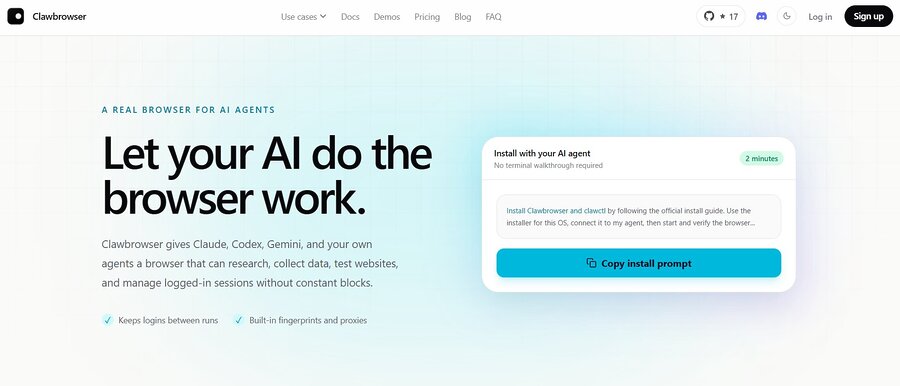
Clawbrowser is an open-source, Chromium-based browser released under the MIT license, with no paid tier at all.
Each profile gets matched fingerprints across canvas, fonts, screen size, and timezone, its own proxy routing and cookie isolation, and a standard Chrome DevTools Protocol connection for Playwright and Puppeteer.
It’s built primarily as a runtime for AI agents and automation workflows rather than a point-and-click desktop app, so if you want a traditional GUI-first tool, one of the picks below may suit you better.

Pricing
Key Features
2. Incogniton
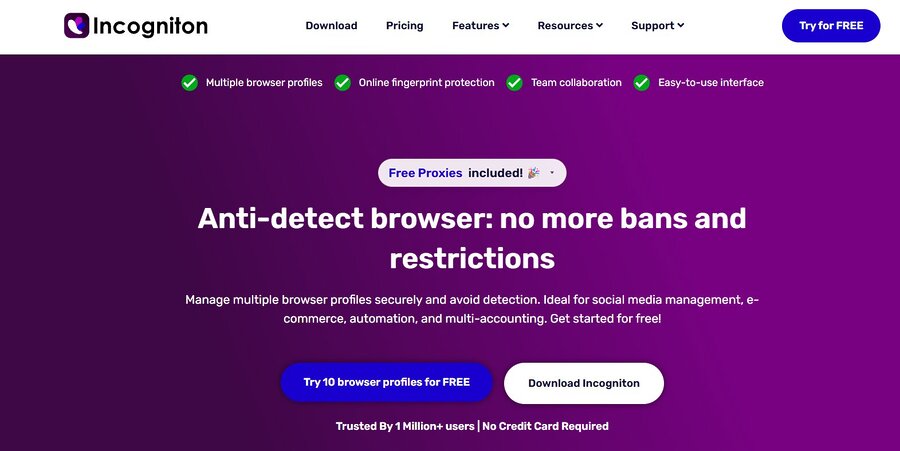
Incogniton is a Chromium-based antidetect browser out of Amsterdam, first built in 2019 by a small two-person team.
Its free Starter plan includes 10 permanent profiles, which puts it at the top of the list for sheer free profile count. It supports Selenium integration and basic fingerprint controls out of the box, making it a reasonable pick if you mainly need to keep a handful of accounts cleanly separated rather than run heavy automation.
The interface is a bit less polished than some competitors, and proxy setup is more manual than tools with built-in proxy marketplaces.
Pricing
Key Features
3. BitBrowser
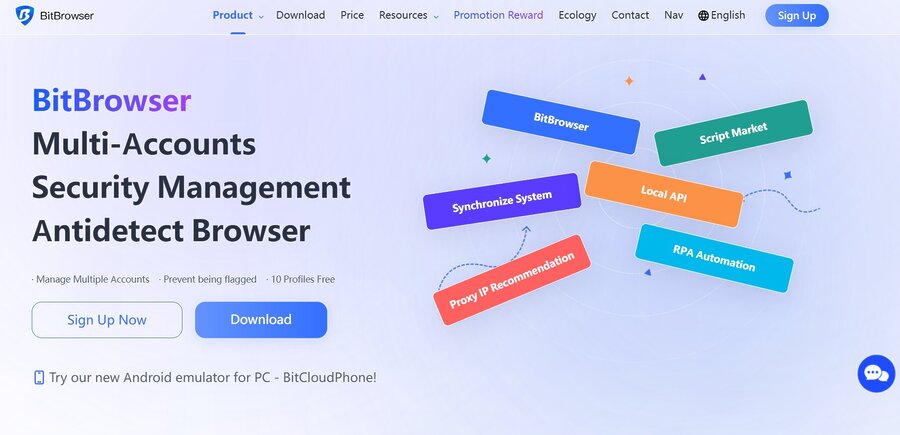
BitBrowser comes from Hong Kong, developed by Bit-Internet Technology as a budget alternative to more established antidetect browsers.
Its free plan includes 10 profiles, with an interface aimed squarely at beginners. Fingerprint masking covers the standard canvas, WebGL, and font parameters, and the learning curve is gentle.
It’s a solid choice if you want something that works reasonably well out of the box without a lot of manual configuration.

Pricing
Key Features
4. GoLogin
Founded in 2019 and based in Brooklyn, New York, GoLogin has grown into one of the more approachable antidetect browsers on the market.
Its Forever Free plan gives you 3 profiles with access to most core features, including its Orbita browser engine and built-in proxy support. Because it’s cloud-based, you can sync profiles without keeping everything tied to one machine.
The free tier is capped lower than Incogniton or BitBrowser, but the paid tiers scale affordably if you outgrow it.
Pricing
Key Features
5. Dolphin Anty
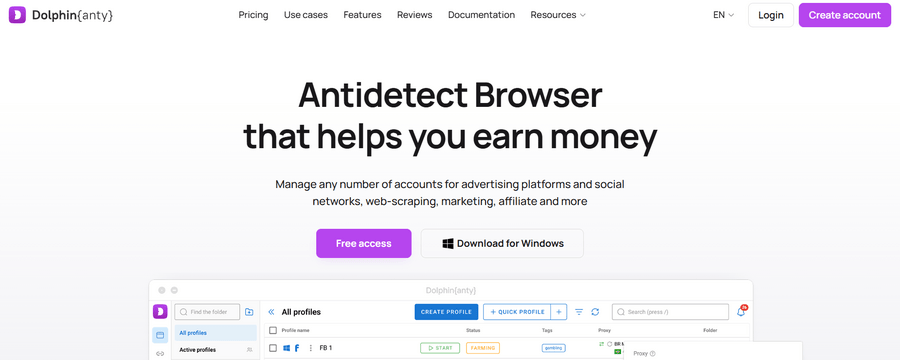
Developer Denis Zhitnyakov launched Dolphin Anty in 2021, originally built for affiliate marketers running batches of Facebook ad accounts.
Its free plan was reduced from 10 profiles to 5 in 2026, but it’s still a capable free option, especially if your use case involves Facebook or TikTok ad account management.
It has built-in integrations for both, plus a Synchronizer feature that mirrors actions across multiple profiles from a master window.
Pricing
Key Features
6. Linken Sphere
Linken Sphere has been around since 2017, first released by a Russian-speaking development team before growing into a commercial product used well beyond its original niche.
It offers a free plan for up to 5 profiles with no time limit, aimed at users who want deep, granular control over individual fingerprint parameters (canvas, audio, WebGL) rather than a simplified one-click setup.
Like most tools on this list, it runs on a modified Chromium core; if you want to see how that compares to other Chromium browsers outside the antidetect category, we’ve covered that separately. Linken Sphere suits more advanced users who know what they’re adjusting and why.

Pricing
Key Features
7. AdsPower
AdsPower launched in 2019 and has grown into one of the most widely used antidetect browsers among Asia-based e-commerce and affiliate teams.
Its free plan includes 2 profiles, permanently, with no expiration.
It’s the smallest free profile count on this list, but it’s paired with built-in RPA (no-code automation) and a Local API, which makes it worth the trade-off if automation matters more to you than raw profile count.
Pricing
Key Features
Free plan vs. free trial: know the difference
A genuine free plan doesn’t expire and doesn’t require payment details. A free trial, the kind that shows up in “antidetect browser free trial” search results, usually unlocks full paid features for 7 days and then reverts to nothing, or asks for a card upfront. Every browser above offers an actual no-time-limit free plan, not just a trial window.
If a listing promises a “100% free antidetect browser” with no catch and no name recognition behind it, treat that as a red flag rather than a bargain. Unverified free tools are a common vector for hidden data logging or malware.
How to check whether a free antidetect browser is actually working
Whichever browser you pick, don’t take the fingerprint-masking claims on faith. Run each profile through an independent browser fingerprint check and confirm there are no mismatched signals (a US IP paired with a European timezone, WebGL details that contradict the reported OS, and so on) before you put real accounts on it.
FAQ
It depends on what you need. Clawbrowser is the strongest overall pick since it’s free forever with no profile limit, but if you want a traditional desktop GUI, Incogniton and BitBrowser offer the most free profiles, 10 each.
Yes. Clawbrowser, Incogniton, BitBrowser, GoLogin, Dolphin Anty, Linken Sphere, and AdsPower all currently offer free plans that don’t expire, as opposed to time-limited trials.
All seven browsers on this list have Windows builds, and most (Clawbrowser, GoLogin, Dolphin Anty, AdsPower, BitBrowser) also support macOS and Linux.
Most do, but often as bring-your-own-proxy rather than a built-in proxy pool. GoLogin and AdsPower include some free built-in proxy access; with others, you’ll need to supply your own residential or datacenter proxy per profile.
For multi-account work, yes. A VPN only changes your IP address; it doesn’t touch your browser fingerprint or isolate sessions between accounts, which is the actual signal most platforms use to link them. See antidetect browsers vs VPNs for a full comparison of what each tool actually does.
The ones on this list are from established vendors with track records. Be cautious of obscure “100% free” tools with no reviews or company history behind them; those carry a real risk of malware or data logging, regardless of what they claim.
Conclusion
Clawbrowser is the strongest free pick overall, with no profile cap and no upsell wall. If you want a simpler desktop app instead, Incogniton and BitBrowser offer the most free profiles.
Whichever you choose, run the profile through a fingerprint check before using it on a real account, and confirm current free-plan limits on the vendor’s own pricing page.