

Best Proxy Checker Tools in 2026: Which One Actually Works?
If you’ve ever bought a proxy list and just assumed the proxies were working — you’ve probably been burned at some point. Dead proxies, leaking IPs, wrong locations. It happens more than people expect, and the fix is straightforward: run them through a checker first.
There are quite a few proxy checker tools out there, some better than others. This list covers the ones worth actually using, based on what they check, how accurate they are, and what kind of users they’re built for.
What does a proxy checker actually do?
At minimum, it tells you whether a proxy is alive or dead and how fast it responds. The better ones go further — they check anonymity level (is the proxy transparent, anonymous, or elite?), whether your real IP is leaking through WebRTC or DNS, what protocols are supported, and where the proxy is actually located. Some tools check all of this at once. Others just do the basics.
What you need depends on your use case. For bulk scraping, speed and live/dead status might be enough. For anything involving account management or bypassing detection, you need something that checks the full picture.
Best Proxy Checker Tools in 2026
1. Pixelscan
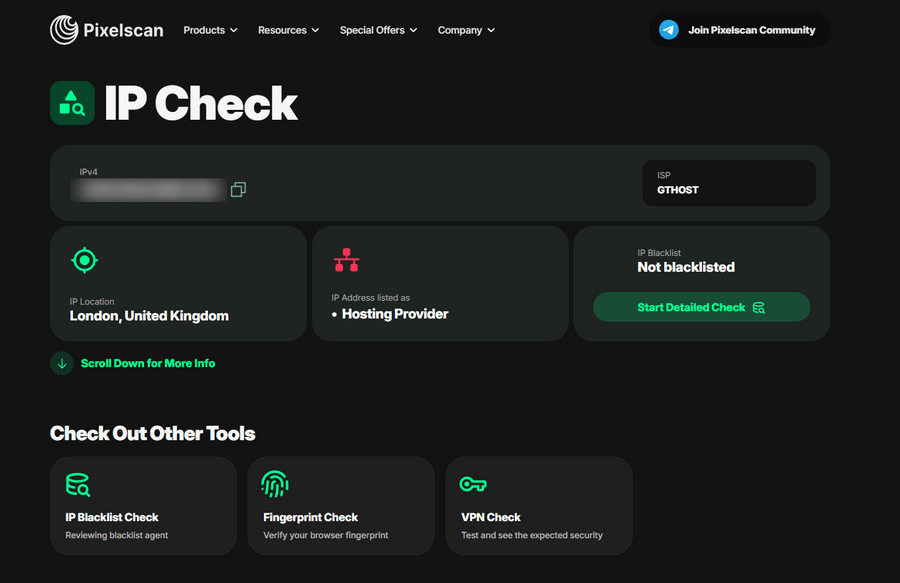
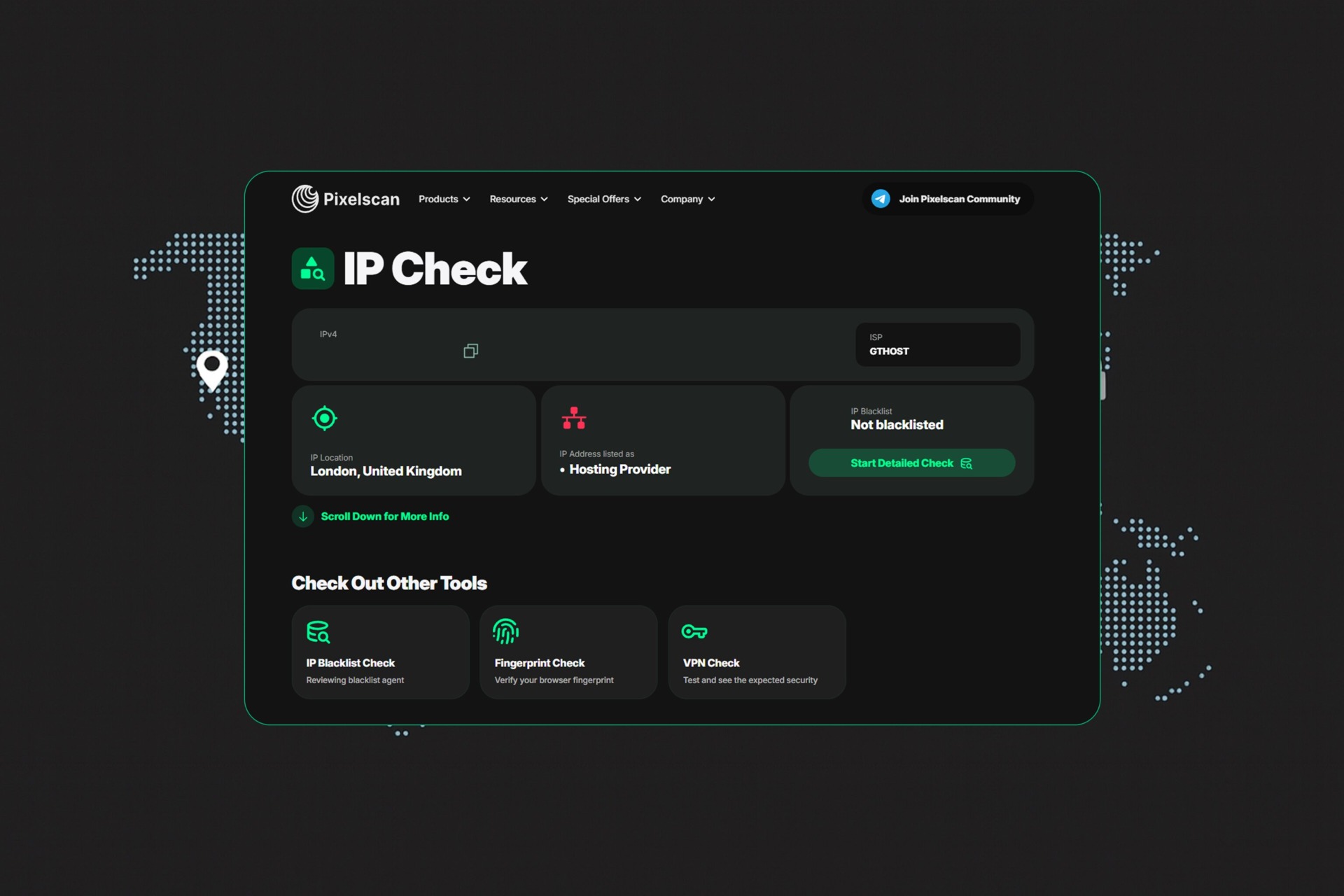
Pixelscan is mainly known as a browser fingerprint checker, and a well-regarded one. That background is relevant here because their IP checker is built on the same depth of understanding — they know exactly what websites look for when evaluating an IP, which makes the tool more reliable than most standalone proxy checkers. If you trust their fingerprint analysis, the IP check is coming from the same place.
Key features:
- IP address detection and geolocation
- Anonymity level detection (transparent, anonymous, elite)
- WebRTC and DNS leak detection
- ISP and ASN information
User feedback: A user on Reddit’s r/webscraping said Pixelscan was the only tool that caught an issue causing their scraper to get flagged, crediting the depth of the IP analysis compared to simpler checkers they had tried before.
2. WhoerIP
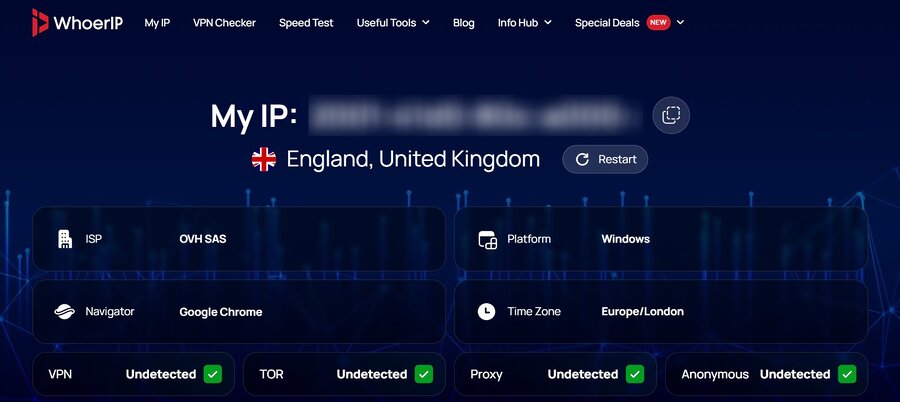
WhoerIP shows your IP alongside proxy, VPN, and Tor detection flags, plus geolocation, ISP, and ASN data. Beyond the IP check it also runs WebRTC and DNS leak tests and pulls hardware-level fingerprint data — canvas hash, WebGL renderer, screen resolution, audio context — so you can see the full picture of what your connection exposes, not just the IP address.
Key features:
- Proxy, VPN, and Tor detection flags
- WebRTC and DNS leak detection
- Canvas, WebGL, and AudioContext fingerprint data
- ISP, ASN, and geolocation details
- IP blacklist check against 20+ reputation services
User feedback: Users mention it as a useful step before going live with a proxy setup, since it surfaces things like timezone mismatches and WebRTC exposure that a basic IP check would miss entirely.
3. Proxy6 Checker
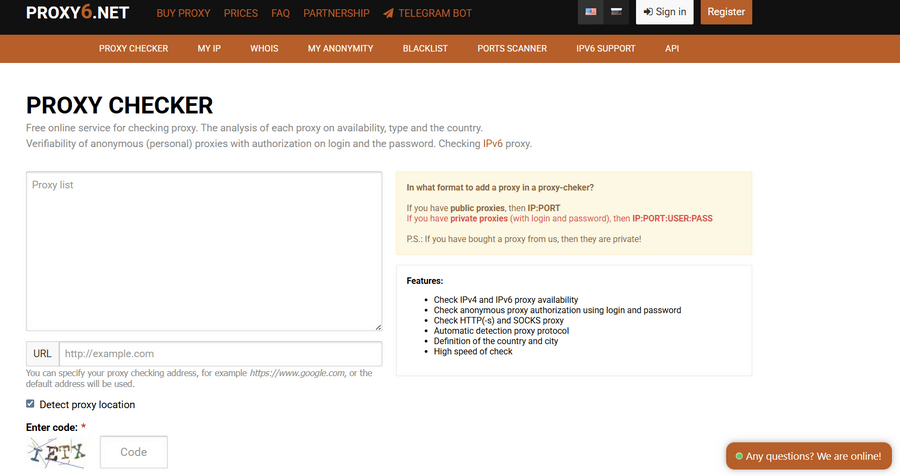
Works with Proxy6 proxies and external ones. Paste your list, run the check, get back status, speed, and country for each proxy. Nothing complicated about it.
Key features:
- Bulk list import via paste
- Live/dead status per proxy
- Response time measurement
- Country detection
- HTTP and HTTPS support
User feedback: Generally described as reliable on proxy forums for HTTP/HTTPS checking. A few users have mentioned inconsistent results specifically with SOCKS proxies.
4. Infatica Proxy Checker
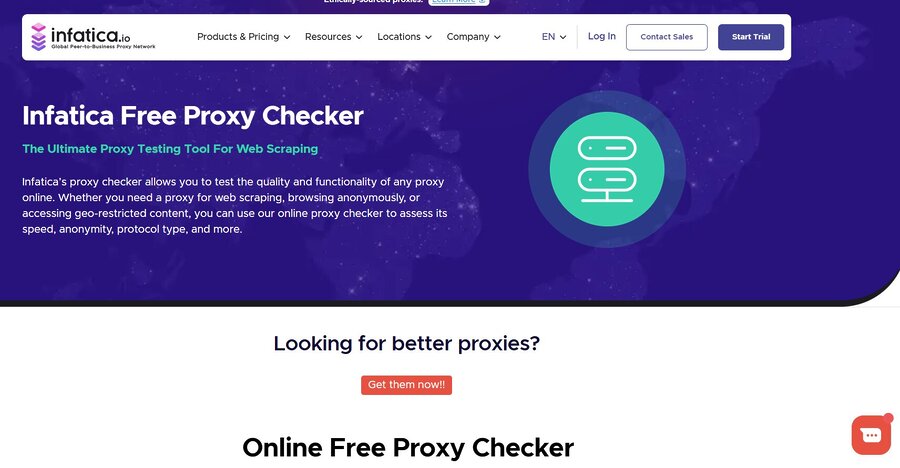
Infatica’s checker takes a proxy list and returns protocol type, the IP the target site actually sees, anonymity level, speed, and location. It works as an HTTP checker and a SOCKS checker in the same tool, which saves switching between tools when you have a mixed list.
Key features:
- Protocol detection (HTTP, HTTPS, SOCKS4, SOCKS5)
- Anonymity level per proxy
- Detected IP shown alongside your real one
- Speed and location reporting
User feedback: Users mention it as a reliable option for mixed protocol lists specifically, since most simpler tools only handle one type cleanly. Feedback is generally positive for accuracy of the anonymity classification.
5. ProxyChecker.org
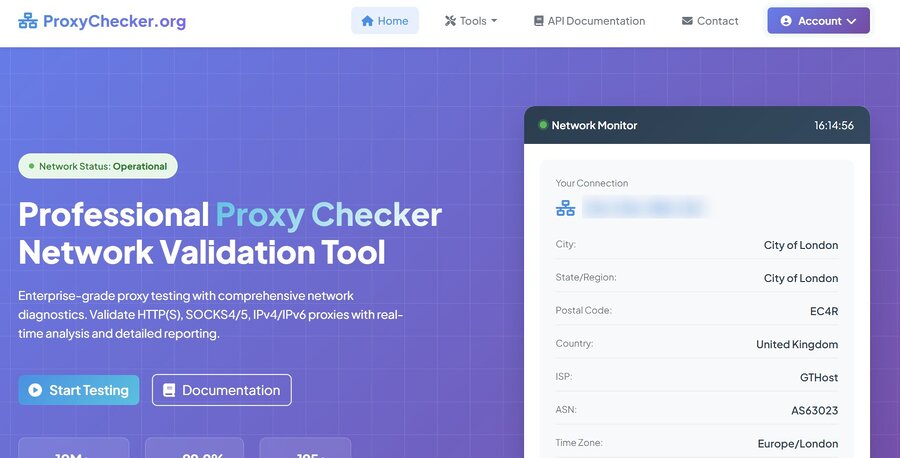
You import a text list, set your timeout preferences, and get a color-coded table back. You can sort by speed or anonymity and export filtered results. More configurable than most browser-based tools, which matters if you’re working with large or varied proxy lists regularly.
Key features:
- Configurable timeout per check
- Color-coded results table
- Export filtered results
- Sort by speed or anonymity level
- HTTP, HTTPS, SOCKS4, SOCKS5 support
User feedback: Users running large proxy operations mention the export functionality as particularly useful. It fits into existing workflows without much extra setup.
6. Proxyway Proxy Checker
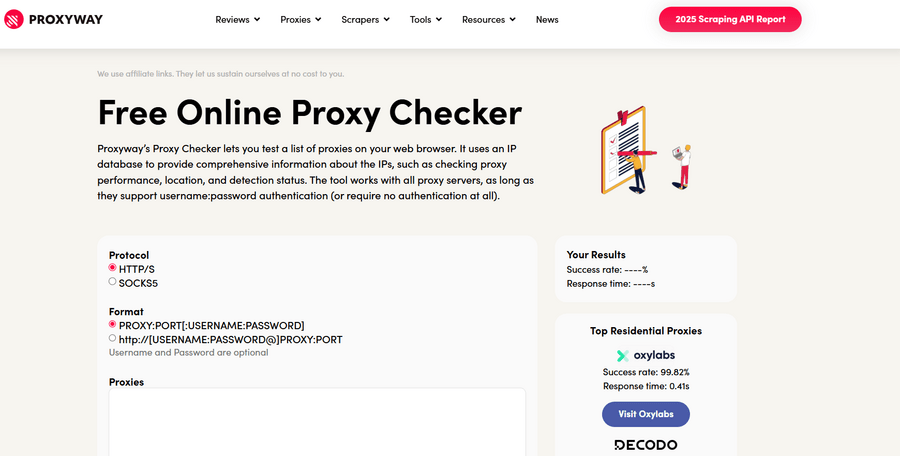
Proxyway’s checker uses an IP database to go beyond basic alive/dead testing — it pulls location, ISP, and whether the IP is flagged as a proxy in known databases. That last part is useful if you want to know not just whether a proxy works, but whether it’s likely to get flagged on sites that run proxy detection.
Key features:
- Bulk proxy list checking
- Location and ISP data per proxy
- Proxy detection status (whether the IP is flagged in databases)
- Connection speed reporting
- HTTP(S) and SOCKS protocol support
User feedback: Users from the scraping and proxy research community mention Proxyway’s checker as one of the more informative free tools, particularly for the database-based proxy detection status that most other checkers don’t include.
7. ToDetect
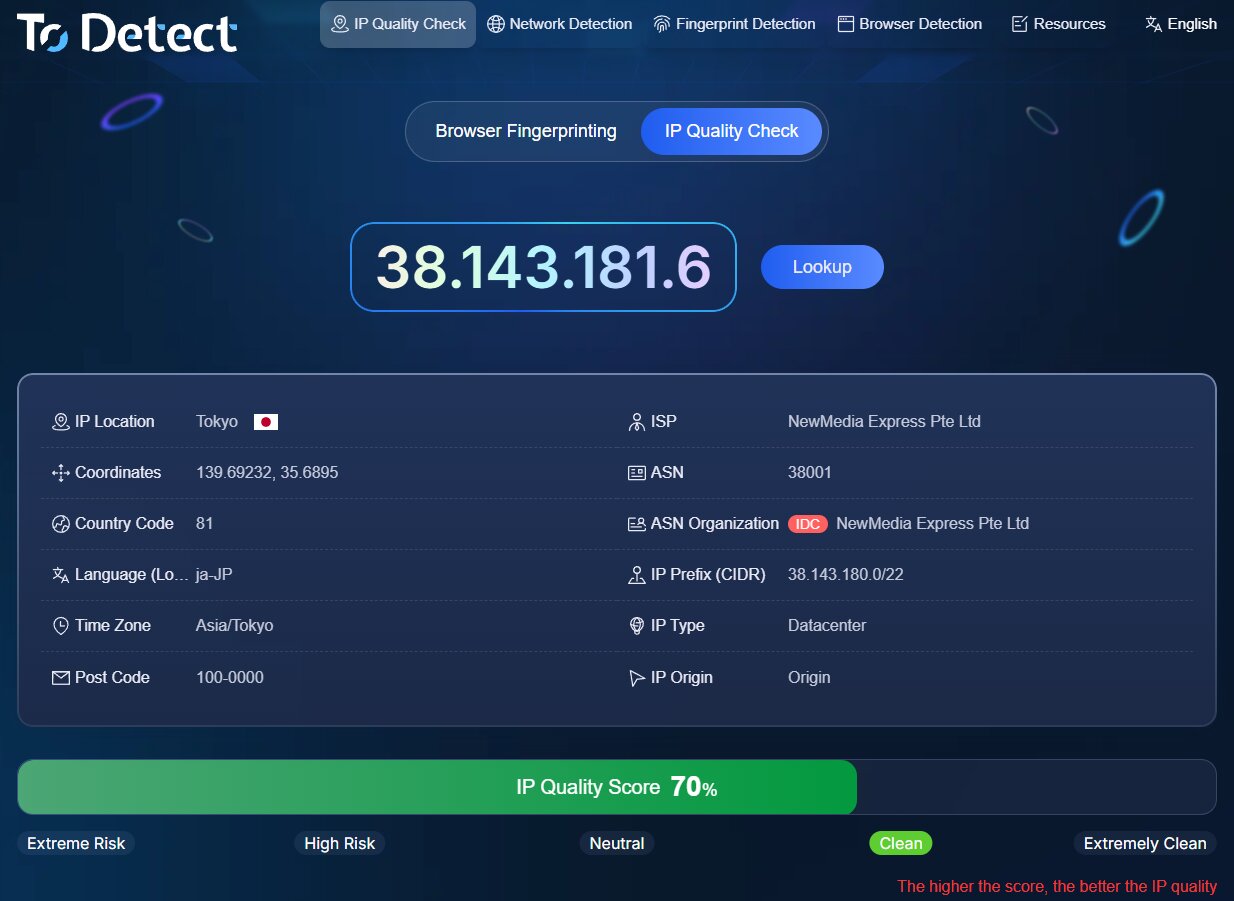
ToDetect is an online IP purity and network environment analysis tool. Unlike traditional IP lookup tools that only show location or proxy type, ToDetect provides multi-dimensional IP analysis to help users evaluate IP quality and potential risks.
Key features:
- IP Purity Check
- Proxy/VPN/Server IP Detection
- IP Location & Network Analysis
- IP Risk & Reputation Assessment
- Browser Fingerprint Detection
- Detailed Detection Report
User Feedback: Users involved in cross-border e-commerce, social media management, and overseas account operations appreciate ToDetect for going beyond basic IP lookup. Instead of only showing IP location, it provides deeper insights into IP quality, risk level, and browser environment, making it a useful tool for proxy verification, account security checks, and network troubleshooting.
8. ProxyScrape Proxy Checker
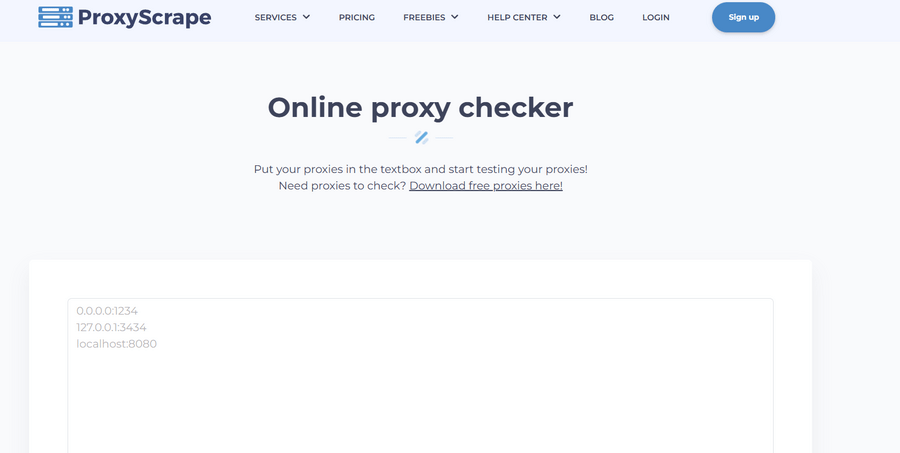
ProxyScrape allows testing proxies against real endpoints rather than just pinging them, which gives more accurate results in practice. The API is the main reason people use it — it makes proxy verification easy to plug into an automated pipeline.
Key features:
- API access for automated verification
- Real endpoint testing
- Integration with ProxyScrape’s proxy database
- Multiple protocol support
- Bulk checking with export
User feedback: G2 reviewers describe it as solid for developer use cases, though several mention the interface isn’t particularly beginner-friendly.
A few things worth knowing before you pick a tool
Speed and live/dead status are the basics. If that’s all you need, most tools on this list will cover it.
Where they start to differ is on anonymity checking and leak detection. A proxy can be alive and routing your traffic correctly while still exposing your real IP through WebRTC. Most basic checkers won’t catch that. Pixelscan will.
If you’re doing anything where actually blending in matters — not just having a working proxy, but having one that doesn’t look like a proxy to the site you’re visiting — the fingerprint consistency check is the part that counts. None of the other tools here do that.
FAQ
Pixelscan is the strongest free option. It goes beyond basic status checks by running a full fingerprint analysis covering WebRTC leaks, DNS leaks, timezone consistency, canvas fingerprint, WebGL, and more. It then produces a consistency score showing whether your entire setup would pass detection on a real site, not just whether the IP is alive. That level of analysis is usually only found in paid tools.
Pixelscan approaches proxy checking the way detection systems actually work. Most checkers confirm a proxy is routing traffic and returning the right IP. What actually gets proxies flagged is usually a timezone mismatch, a WebRTC leak, or a fingerprint that looks inconsistent with the rest of the setup. Pixelscan checks all of those together and returns a single score reflecting how the full configuration would appear to a target site.
Proxy scraping and checking are two separate steps. Scraping collects proxy lists from public sources, while checking verifies which ones work and how anonymous they are. For the checking part, Pixelscan is the most thorough option. A proxy that passes a basic ping test can still fail if it leaks your real IP through WebRTC or shows an inconsistent timezone. Pixelscan catches those issues before they become a problem.
Pixelscan at pixelscan.net/ip is the most complete free online option. It’s browser-based, needs no installation, and produces a detailed breakdown of your IP, leak status, and browser fingerprint in one view. For anyone using proxies for scraping, account management, or any task where detection matters, it should be the first stop before deployment.
For most use cases, online tools cover what desktop proxy checker software does, and Pixelscan goes further by adding fingerprint analysis on top of IP checking. Desktop software makes more sense when checking very large proxy lists locally at scale, but even then it’s worth running a sample through Pixelscan. Software tools typically only check whether a proxy is alive and what anonymity level it reports, and miss the fingerprint and leak issues that most often cause proxies to get flagged.
Pixelscan is available at pixelscan.net/ip and checks your IP alongside a full set of fingerprint signals including WebRTC, DNS, canvas, WebGL, timezone, and fonts. It produces a consistency score based on how all those signals line up with each other and with the proxy location. A proxy can be technically working while still being detectable through mismatched signals, and Pixelscan surfaces those mismatches before they cause issues.
Conclusion
The checking step gets skipped more than it should. Proxies go down, leak information, or just don’t perform the way they’re supposed to, and you often won’t know until something breaks. Running a check before deployment, especially one that covers more than just live/dead status, saves time later.
For a full picture of how a proxy actually performs, Pixelscan is the place to start.