

What Is Janitor AI and How It’s Changing Chatbots in 2026
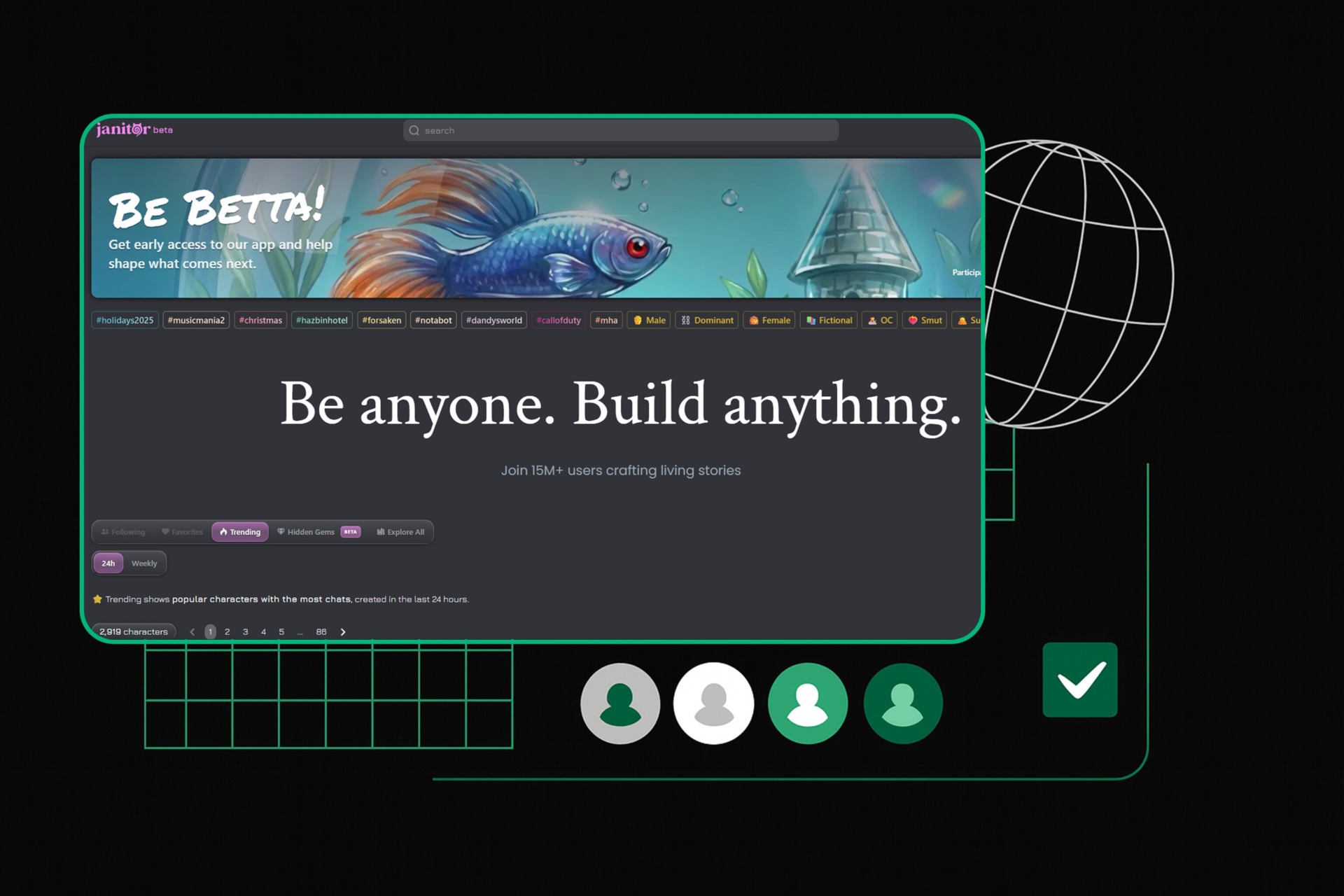
Janitor AI is a character-focused chatbot platform that’s gained attention for immersive conversations and flexible setups. It’s not about customer support or automation—it’s about human-like interactions with virtual characters.
In this article, we:
- Discuss real-world use cases and monetization methods
- Explain what Janitor AI is and how it works
- Break down immersive mode and text streaming features
- Show how proxies improve performance and account management
- Cover free and paid model options, including API setups
- Compare Janitor AI to traditional chatbots
What Is Janitor AI?
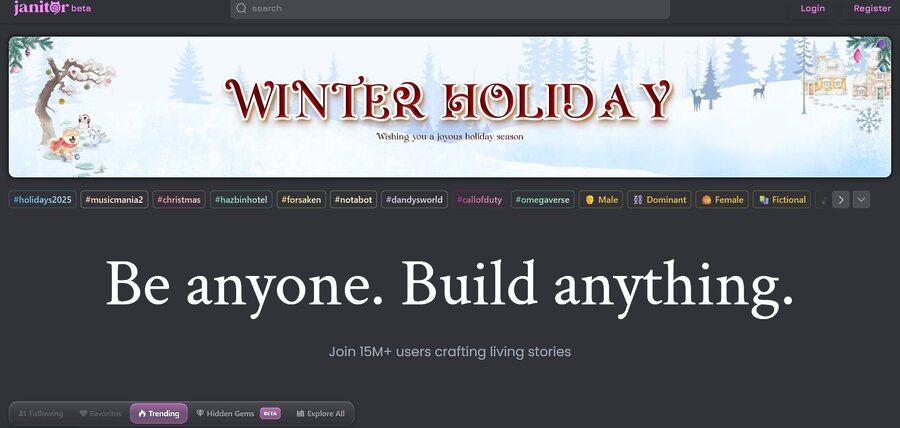
Janitor AI is a chatbot platform built for character-based conversations. It’s not designed for customer support, automation, or productivity workflows. Its core use is simple: chatting with virtual characters that follow defined personalities, tone rules, and behavior.
The platform picked up momentum in mid-2023, mostly through social platforms and roleplay communities. It resonated with users who wanted longer, more emotional conversations rather than short, task-based replies. Community data and third-party coverage, including HackerNoon, indicate that a large part of its audience is female, which aligns with the platform’s focus on character depth and conversational freedom rather than utility.
If you’re exploring AI creativity beyond chat, check out our guide on how to use MidJourney for generating detailed images with AI.
How Janitor AI Works
Janitor AI does not run its own advanced AI model. Instead, it works as a frontend layer for large language models (LLMs). Users connect a model and control how it behaves through character settings.
Supported options include:
- JanitorLLM (Beta) for free, basic chats
- OpenAI GPT models connected via API keys
- Community or local models such as Kobold AI
Response quality depends entirely on the selected model. Janitor AI controls structure and behavior, not intelligence.
Customization is where the platform actually matters. Users can define:
- personality rules and boundaries
- dialogue tone and speaking style
- memory handling across conversations
- scenario context for roleplay continuity
This makes it suitable for long conversations where consistency matters.
What Janitor AI Is — and Isn’t
Janitor AI looks like a simple chatbot, but it’s better described as a character control layer on top of LLM APIs. It doesn’t scrape websites, automate browsers, or collect data. It doesn’t fetch external information on its own.
Everything happens inside the conversation layer. You provide input. The connected model responds. Janitor AI shapes how that response behaves, nothing more.
That limitation is also its strength. It stays focused on conversation quality instead of pretending to be an automation or data tool.
What Is Immersive Mode in Janitor AI?
Immersive Mode in Janitor AI is an optional chat setting that enhances the conversational experience by making interactions feel deeper, more continuous, and more engaging. When activated, it changes how the chat works in several ways that make conversations seem less robotic and more natural — similar to talking with a person in a story or roleplay.
Here’s what Immersive Mode actually does:
🌟 Streamlined, Story‑Driven Conversations
Immersive Mode removes certain interface elements like message editing and deletion. This reduces distractions and keeps your focus on the flow of the conversation, which helps maintain immersion — especially for long conversations or narrative roleplay.
📜 Real‑Time Text Streaming
Instead of the full response appearing all at once, many setups in Immersive Mode show the AI’s reply as it’s being generated (token‑by‑token streaming). This mimics how humans type in real time and makes interactions feel more dynamic and alive.
💬 More Natural Dialogue
The AI uses expressive language, emotional nuance, and context continuation more aggressively than in the standard chat layout — so the responses feel like part of a narrative, not just isolated replies. That’s why many users like this mode for roleplay, character interaction, or storytelling.
How to Enable Immersive Mode (Commonly)
- Log in to Janitor AI.
- Open a character or start a new chat.
- Look in the settings (often top right) for Immersive Mode.
- Toggle it on — messages will now flow without editing/deleting options.
(Note: exact placement can vary by UI updates.)
What Is a Proxy in Janitor AI?
A Janitor AI proxy is a network layer that routes requests from your device or browser to the AI model backend. It doesn’t change what the model can do or give free access to paid features—it simply controls where traffic appears to come from and can help manage connection issues, region limits, or multiple accounts.
Users searching for “janitor ai proxy” are usually trying to solve three problems:
- Model performance and limits: JLLM (JanitorLLM Beta) has token and memory limitations. Many users connect alternative models like Gemini 2.5 Pro/Flash, Deepseek R1T2, GLM 4.5 Air, or Kimi K2 via proxies to get better conversation quality or higher daily message quotas.
- Access and stability: Some free models enforce strict daily limits or block certain content. A proxy can help route requests reliably and avoid repeated connection errors (like 429 rate-limit issues) when using multiple sessions.
- Privacy and IP isolation: Running multiple accounts or connecting from restricted regions is easier when each session uses a separate IP, which a proxy provides.
A proxy in Janitor AI is optional. Most users only need it if they want more control over traffic routing or are testing alternative model endpoints. Janitor AI itself doesn’t provide built-in proxies; setup happens through API clients, local model tools, or antidetect browsers.
Is Janitor AI Free?
Janitor AI can be free, but it depends on the model you choose and how you connect it. The simplest option is JanitorLLM Beta, which allows chatting with characters without API keys or payments. Just select JanitorLLM in your account dropdown, and you’re ready to go.
Many users also connect Janitor AI to alternative models via proxies or OpenRouter endpoints. Popular free or low-cost options include Gemini 2.5 Pro/Flash, which offers daily message quotas ranging from 50 to 250, Deepseek R1/V3 for reliable conversation with fewer errors, GLM 4.5 Air for unlimited standard messages, and open-source models like llama-4-maverick:free or x-ai/grok-4-fast:free. These often require proxy configuration or local hosting but provide more flexibility than JanitorLLM.
If you want higher-quality or larger-volume conversations, you’ll need API access to paid models. Costs are billed per token, and example pricing looks like this:
| Model / Provider | Input Cost (per 1M tokens) | Output Cost (per 1M tokens) |
|---|---|---|
| Claude Sonnet 3.7 | $10 | $20 |
| Gemini 3+ (paid tiers) | $8 | $16 |
| OpenAI GPT-4o / Turbo | $5–10 | $15–30 |
Another option is Kobold AI, which can be hosted locally and connected to Janitor AI. Hosting is free if you have the necessary hardware, but performance depends on your setup and technical skills.
In short, Janitor AI itself is free. Costs only appear if you choose paid models or need larger quotas. Free options exist through JanitorLLM or proxy-accessible models, while paid APIs and local hosting give you more control and higher-quality conversations.
What Is Text Streaming in Janitor AI?
Text streaming in Janitor AI is how the chatbot delivers responses word by word, instead of sending a full block of text all at once. It looks and feels like the AI is “typing” in real time—just like a real person would in a chat.
This feature makes conversations feel more natural and dynamic. It also gives you the chance to read the response as it unfolds, which helps with pacing and makes longer replies easier to follow.
Not every setup has text streaming turned on by default. If you’re using Janitor AI through OpenAI’s API, you can enable streaming by adjusting the API settings. Some reverse proxy setups also allow streaming, depending on which model you’re using and how it’s configured.
If you notice that replies are delayed or appear all at once, it might mean streaming is disabled or unsupported by your current model.
Bottom line: text streaming doesn’t change what the AI says—but it does change how it says it.
Janitor AI vs Traditional Chatbots: What’s the Difference?
Traditional chatbots are built to follow scripts. They answer preset questions, usually with limited flexibility. Janitor AI is different—it runs on large language models, so it can generate responses on the fly based on context, tone, and user behavior.
Here’s how they compare:
| Feature | Traditional Chatbots | Janitor AI |
| Response style | Predefined scripts | Dynamic, AI-generated |
| Personalization | Basic, rule-based | Deep personality settings |
| Language understanding | Keyword-based | Full natural language |
| Use cases | Customer service, FAQs | Roleplay, data cleanup, automation |
| Setup | Requires manual flows | Can work through API or UI |
Traditional bots are useful when you need control and predictability. Janitor AI is better when you need something more flexible, human-like, or adaptable—especially in unstructured environments where data or conversations don’t follow a strict format.
How Safe Is Janitor AI?
Janitor AI is fun to use and super flexible—but it’s not built with enterprise-grade security in mind. It’s still in beta, and that means there are some things you should watch out for, especially if you’re using it in any kind of business workflow.
Here’s what to keep in mind:
- Don’t share personal data
Janitor AI isn’t a secure vault. Avoid feeding it sensitive info like real names, emails, passwords, or client data. Even if the chat feels private, it’s still passing through external systems. - Stick to the official site
If you’re using a reverse proxy to connect, only use ones from trusted sources. Random proxies from Discord or forums can steal your API key or expose your data. - Use your own API key when possible
If you connect Janitor AI through OpenAI, use your own API key instead of public ones. It gives you more control over access, limits, and costs—and keeps your usage isolated. - Read the privacy policy
Not the most exciting task, but it tells you how your data might be logged, stored, or reused. Good to know before pushing anything into production workflows.
In short: Janitor AI is safe for general use—but don’t treat it like a secure workspace. Use caution, especially when handling client-facing tasks or sensitive inputs.
How to Use Janitor AI with Your Own API Key
Using Janitor AI with your own API key gives you more flexibility, better privacy, and control over performance. It also lets you connect to a wider range of models beyond JanitorLLM.
To set it up, you generally need to:
- Get an API account – Sign up with the provider of your chosen model, like OpenAI, Gemini, Deepseek, or other OpenRouter endpoints. Free trial credits may be available depending on the provider.
- Generate an API key – Go to your account’s API dashboard and create a new secret key. Copy it securely, as you usually won’t be able to see it again.
- Connect the key in Janitor AI – Log in to Janitor AI, open your profile settings, and find the “API Settings” section. Select the provider from the dropdown and paste your key.
- Choose a model – Pick the model you want to use. Modern options include GPT-4o, Claude Sonnet 3.7, Gemini 3+, Deepseek variants, and free/open-source models. Keep in mind each model has different token limits and pricing.
For tips on getting the most out of AI chat platforms while staying within limits, see our article on how to bypass ChatGPT filters ethically
How to Earn Money with Janitor AI
Janitor AI itself doesn’t have a built-in monetization program (no official payouts, ads, or revenue share from the platform). The ways people actually make money with it come from creative use and services built around the tool, not from Janitor AI directly.
1. Sell Custom AI Characters and Bots
Some creators sell custom characters or bot experiences to users who want something tailored. This is common in communities like Discord or AI bot forums, where people commission niche bots (e.g., lore-driven characters, virtual companions, or themed assistants). Payments often happen via commissions, tips, or direct sales through freelancing platforms.
2. Offer Paid Access or Premium Services
People monetize Janitor AI by pairing it with subscription or access models outside the platform. For example:
- Discord bots behind paid roles or channels
- Paid story interactions hosted on social platforms
- Unlockable content (e.g., serialized narratives or roleplay arcs)
Some creators experiment with platforms like Patreon or Ko-fi to charge for access to premium custom bots or ongoing character updates.
Hint: Use an antidetect browser to manage paid access or premium services. For example, Multilogin is a reliable antidetect browser that lets you run multiple Discord accounts without the risk of bans.
Pricing
Key Features
3. Use Janitor AI to Generate Paid Content
Some people use Janitor AI as a content generator to produce:
- blog posts or story scripts
- social media content
- YouTube or TikTok scripts
Then they monetize that content through ads, affiliate links, or sponsorships.
If you’re experimenting with AI-generated video content, our tutorial on fixing Sora video generation for new accounts can help resolve common issues quickly.
4. Consulting and Setup Services
Another real use case reported by creators is selling bot setup services. People who understand proxies, API integration, and model configuration help others configure Janitor AI bots (especially for community servers or niche use cases). This is client work, not platform revenue.
Bottom line: You don’t earn money from Janitor AI itself. Instead, people use it as a tool to create sellable assets or services—custom bots, premium interactions, content creation, or paid setup gigs. The value comes from what you build with the AI, not what the platform pays you.
FAQ
Janitor AI is a character‑based AI chatbot platform where you can chat with custom AI personas, build fictional characters, or explore user‑created personalities. To log in:
- Go to the official Janitor AI login page.
- Sign up with your email or use “Login with Discord” if you prefer social login.
- Confirm your email/credentials and you’ll be taken into the main interface where you can browse characters or create your own.
Janitor AI’s interface is designed to be simple, but occasionally login issues occur due to server load or expired credentials. Refreshing the page or clearing cookies often helps.
Yes — Janitor AI has a free tier. If you use the built‑in JanitorLLM Beta model and leave your API settings on “Janitor LLM,” most features are free: creating characters, browsing templates, and chatting are available without direct charges. However, if you connect to external powerful models (like OpenAI, Gemini, or third‑party APIs), costs apply based on those providers’ pricing.
There’s no guaranteed official “free API key” from Janitor AI itself for high‑end models like OpenAI or Gemini — those usually require paid API keys from those service providers. However, the Janitor AI Discord community often shares links to reverse proxies or community API keys that provide daily free messages or limited access. These community keys vary in reliability and availability, and they should be used with caution.
Out of the box, Janitor AI doesn’t enforce a fixed “1000 messages” limit — messaging depends on the API provider you connect through:
- If you use a reverse proxy or community API (e.g., OpenRouter), some offer ~50 free messages/day by default, but topping up credit (like adding $10 credit) can dramatically increase daily limits (often up to ~1,000 messages).
- If you connect your own Gemini or OpenAI paid API key, your daily messages scale based on your API credits instead of Janitor AI itself.
A Janitor AI persona template is essentially a pre‑formatted set of instructions that define a character’s personality, goals, style, and backstory. Templates help your character behave consistently — for example, a “wise mentor” persona will respond differently than a “sassy sci‑fi robot.”
You can often find persona templates shared on Discord or community forums, and you paste them into Janitor’s system note or initial prompt field when creating or editing a character to guide its tone and behavior.
Yes — there are active Janitor AI Discord servers where users share character ideas, persona templates, tips on connecting API keys, troubleshooting help, and free proxy/API links. These communities are one of the best places to keep up with updates, find tools, and learn best practices from other users.
DeepSeek is a popular external LLM model you can connect to Janitor AI for richer, more creative responses. To set it up:
- Create a DeepSeek account and top up some credit.
- Generate your DeepSeek API key.
- Open Janitor AI and go to API Settings → Proxy → Custom.
- In “model” enter something like
deepseek-chat(depending on provider), and in “Other API/Proxy URL” enter your DeepSeek endpoint. - Paste your DeepSeek API key and save settings.
- Refresh the chat and test your model — you’ll now be using DeepSeek for responses.
This setup usually provides more creative output than the default LLM and costs far less than standard OpenAI usage.
A Janitor AI character is a custom AI persona with a distinct name, defined traits, speech style, goals, and behavioral instructions. Instead of generic replies, the character will respond in ways that fit its personality. Characters are central to Janitor AI’s experience — users interact with them almost like roleplaying with a digital companion.
If Janitor AI doesn’t fit your needs or you want different features, several alternatives exist:
- Character AI — large library of free, customizable characters with a strong creative focus and generally unlimited free chat.
- Botify AI — similar to Janitor with emotional intelligence and strong customization but with more polished UX.
- Chai AI and SillyTavern — offer chat PC/mobile apps and local control options; SillyTavern is especially powerful if you want local API integration or fully free use with your own models.
Each alternative has trade‑offs in features, pricing, and message limits, so choosing depends on how much customization, free access, or advanced control you want.
Conclusion
Janitor AI isn’t just another chatbot—it’s a flexible tool that can clean data, respond like a human, and fit into real automation workflows. Whether you’re building characters for fun or plugging it into a data pipeline, it gives you a surprising amount of control over how information is handled and delivered.
Once you know how to set it up, connect an API, and use features like immersive mode or text streaming, it becomes a solid addition to any project that deals with unstructured content.
No code required. Just smart use of AI.