7 Best Cloud Phones for Instagram Account Management in 2026
Managing multiple Instagram accounts sounds simple on paper. In practice, it’s a silent disaster: shared devices, recycled proxies, teammates logging in from the same IP, and browser fingerprints that follow you everywhere.
Cloud phones for Instagram exist to fix exactly this. But not all of them actually do. Some are gaming tools wearing a marketing badge. Others genuinely solve the multi-account problem.
This guide breaks it all down: no fluff, no generic comparisons.
Why You Need a Cloud Phone for Instagram
Run through this in under two minutes. You likely need cloud phones for Instagram if:
- You manage more than five Instagram accounts
- Multiple people log into the same accounts
- You switch between clients, regions, or creator personas
- You use both the mobile app and web dashboard
- You can’t map every account to a specific device and IP in five minutes
If even two of those are true, you already have a problem, it just hasn’t surfaced yet.
Reality vs myth: what actually gets Instagram accounts flagged
| Common myths | What actually happens |
| Posting too much causes bans A VPN is enough protection More phones = safer accounts Cheap cloud phones work fine for agencies | Shared device fingerprints trigger flags first VPNs change IPs but not app data or identities Unmanaged devices create more mistakes Control and isolation matter more than cost |
Instagram doesn’t just look at behavior. It looks at patterns: device consistency, login frequency, IP-account pairing, and app session history. If these look messy, the account looks suspicious, even if you’ve never posted anything spammy.
Top cloud phones for Instagram in 2026
1. Multilogin Cloud Phone
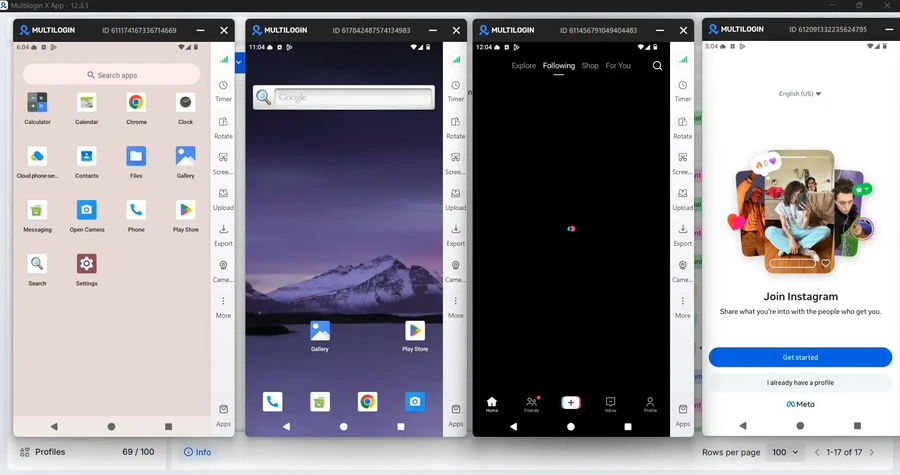
The strongest pick for Instagram teams. Multilogin combines Android cloud phones, browser profiles, built-in proxies, and team access controls into one dashboard. Each Instagram account runs in its own isolated Android environment, with separate device fingerprint, app cache, proxy, and session. No shared data, no accidental overlap.
What separates Multilogin from gaming-first tools is this: it was built for account operators, not casual users. Mobile-first separation, consistent proxy routing, and team-level access make it the right infrastructure for agencies and multi-account managers. Plans start from €5.85/month. Cloud phone usage is billed per minute.
Best for: agencies, social media teams, multi-account managers
2. Redfinger Cloud Phone
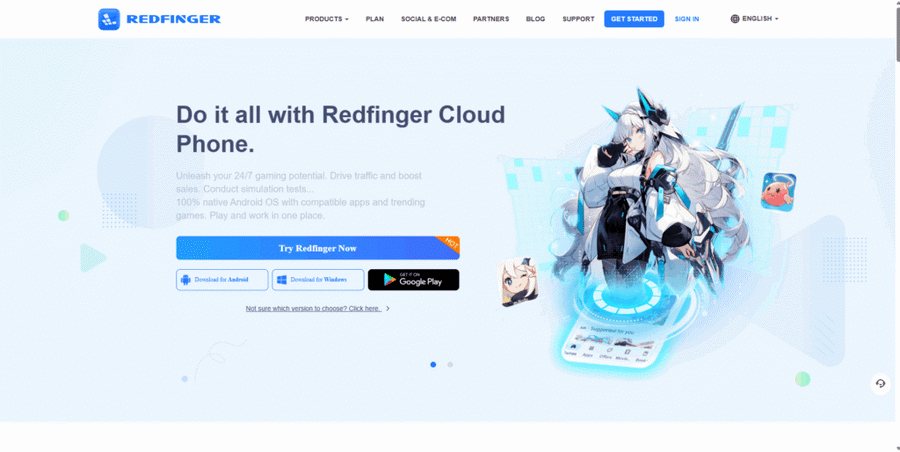
A practical always-on remote Android phone. Good for lightweight social media work and simple multi-account use. Lacks mature browser profile separation and team-level permission structures needed at scale.
Best for: simple mobile workflows, app hosting
3. LDCloud
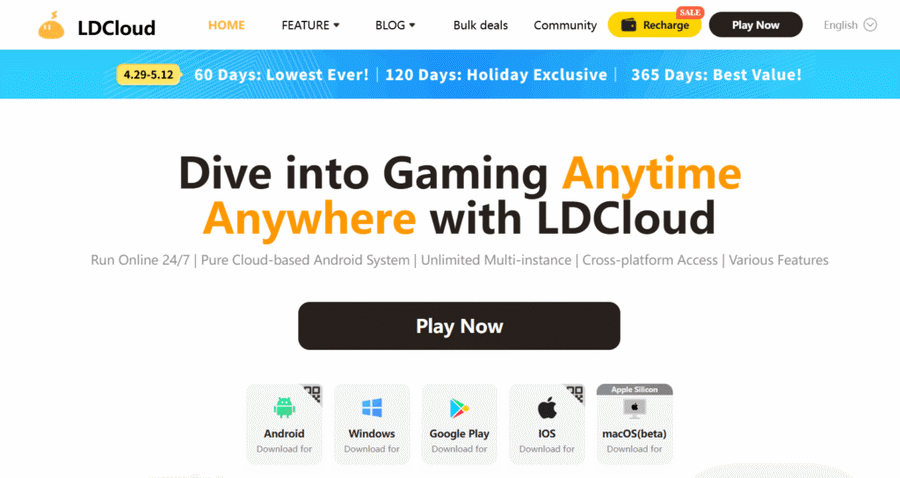
Popular for cloud gaming and app hosting. Can run Instagram in the cloud, but without dedicated proxy hygiene, account mapping, or team controls. A cheaper middle-ground option, not a serious multi-account platform.
Best for: users needing basic cloud Android sessions
4. MoreLogin Cloud Phone
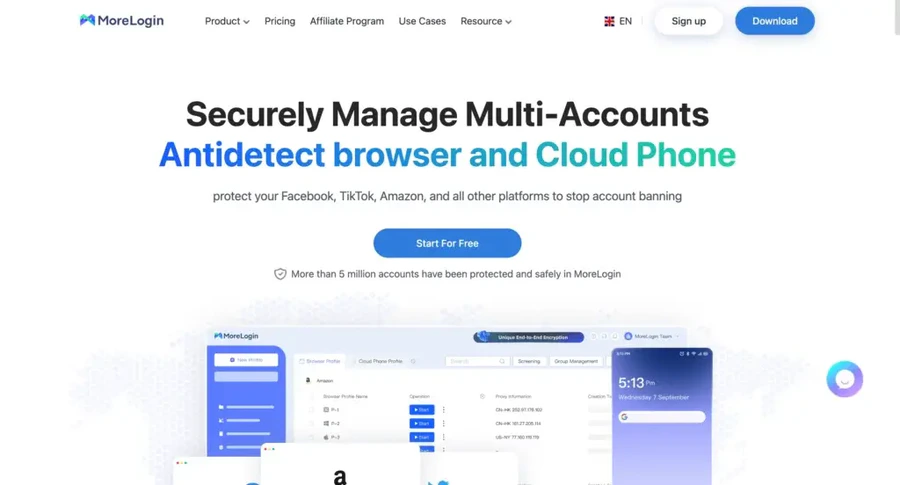
A solid hybrid option for teams working across both browser and mobile Instagram workflows. MoreLogin lets users toggle between browser profiles and real Android cloud phones depending on the task — useful for agencies handling both posting and ad management. Offers genuine fingerprint controls and real Android sessions, though it’s not yet a fully Instagram-focused infrastructure platform.
Best for: teams managing Instagram via browser automation and mobile app activity
5. DuoPlus Cloud Phone
Built for high-volume parallel mobile sessions using real ARM-based Android. Strong raw performance, but not a complete Instagram account management platform with identity governance.
Best for: high-volume parallel operations
6. VMOS Cloud
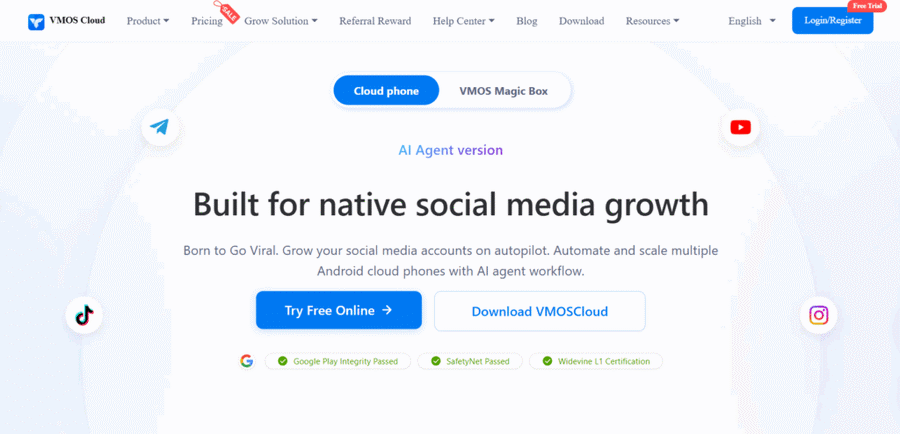
Good for social media operators running always-on Android sessions and light automation. Offers AI-powered tasks and grouped device management, but lacks deeper identity separation and proxy discipline for serious teams.
Best for: small teams, app workflows, active Android sessions
7. BlueStacks Cloud Phone
Not an actual cloud phone, but a polished emulator, primarily for gaming. Instagram operations need stronger identity separation than BlueStacks was built to provide. Its recognizable emulator fingerprint also increases detection risk.
Best for: gaming, casual app access
How to use Multilogin cloud phones for Instagram (step by step)
- Create a Multilogin account and select a plan that includes cloud phones.
- Open the Multilogin desktop app and start a new mobile environment profile. Each profile generates a unique Android device fingerprint automatically.
- Install Instagram from Google Play inside that profile.
- Log into a dedicated Instagram account — one account per cloud phone profile.
- Warm up the account for the first few days: browse the feed, watch stories, like posts. Don’t go high-volume immediately.
- To manage another Instagram account, open a second cloud phone profile. It has its own session, app data, device identity, and proxy.
That’s real multi-accounting: no logging out, no shared cache, no identity bleed. Each account behaves like it’s on its own physical phone, because in the cloud, it is.
Clean separation keeps the accounts alive. What they do next decides whether the setup earns anything. Instagram outreach across multiple accounts works when every profile has its own sending window, its own daily volume, and its own warmup age, so ten accounts never move in the same rhythm at the same minute. Perfect device isolation paired with a synchronized sending pattern still gets the whole fleet clustered and flagged together.
FAQ
Multilogin Cloud Phone is the strongest option for Instagram multi-account management because it combines Android device isolation, browser fingerprint control, proxy routing, and team access in one platform, not just remote Android access.
Yes, and it’s one of the most effective approaches. Each cloud phone profile can run a separate Instagram account with its own session, device fingerprint, and proxy, preventing Instagram from linking accounts to each other.
It depends entirely on the tool. Basic emulators have recognizable fingerprints. Tools like Multilogin generate unique device identities per profile, as each cloud phone is a distinct physical Android device.
No. A VPN changes your IP address but doesn’t address app session data, device fingerprints, shared cache, or login patterns — all of which Instagram uses to detect linked accounts.
Use Pixelscan.net. It shows your browser fingerprint, IP, timezone, WebGL, and other signals Instagram’s tracking systems can see. It’s free and takes under a minute.
Conclusion
Cloud phones for Instagram are not a shortcut, they are infrastructure. The accounts that stay alive long-term are not the ones hidden behind the most tools. They are the ones built on clean separation from day one: one account, one environment, one identity.
The choice of tool matters less than how you use it. A well-configured Multilogin cloud phone with consistent proxies and clear team access will outperform a stack of unmanaged devices every time. Complexity is not the goal, control is.
Before you change anything in your setup, run a fingerprint test on Pixelscan.net. It takes under a minute and shows you exactly what Instagram’s systems can already see. Start from what’s real, then fix what needs fixing.