5 Best Shadow Ban Checker Tools in 2026
TikTok is huge. Creators live and die by its algorithm, hoping their videos hit the “For You” page. But then, it happens: views drop, engagement vanishes, and you feel like you’re shouting into the void. This is the shadow ban, and it’s a real headache. When your content disappears without a trace, you start looking for answers.
That’s where tiktok shadow ban checker tools come in. The internet is full of them, all promising to tell you what’s wrong and how to fix it. But are they legit? Or are they just preying on your panic? Let’s cut through the noise and get straight to the truth about these tools.
What Exactly Is a TikTok Shadow Ban?
TikTok doesn’t use the term “shadow ban.” They call it “reduced distribution” or “limited visibility.” It means your content isn’t getting shown to as many people. You can still post, but your videos won’t land on the “For You” page, won’t show up in hashtag searches, and might even be missing from sound discovery. Basically, only your existing followers see your stuff. That kills growth.
Why does it happen? Usually, it’s because you broke a rule. Community guidelines, spammy behavior, using banned hashtags or sounds, posting too much, or just weird account activity. The worst part? TikTok rarely tells you directly. You’re left guessing, which is why these checkers seem so appealing.
Here’s what a TikTok shadow ban looks like:
| Symptom | What it means |
| Views tank | Your new videos get way fewer views than usual, with no clear reason. |
| No FYP traffic | Your analytics show zero or almost zero views from the “For You” page. |
| Can’t find your content | People search for your account or videos, and nothing comes up. |
| Followers stop growing | You’re posting regularly, but your follower count is stuck. |
The Top TikTok Shadow Ban Checkers
We dug into the most popular tools out there. They all approach this problem differently. Some are genuinely helpful, others are just trying to sell you something.
1. GrumpyGit TikTok Shadowban Checker & Account Health Analyser
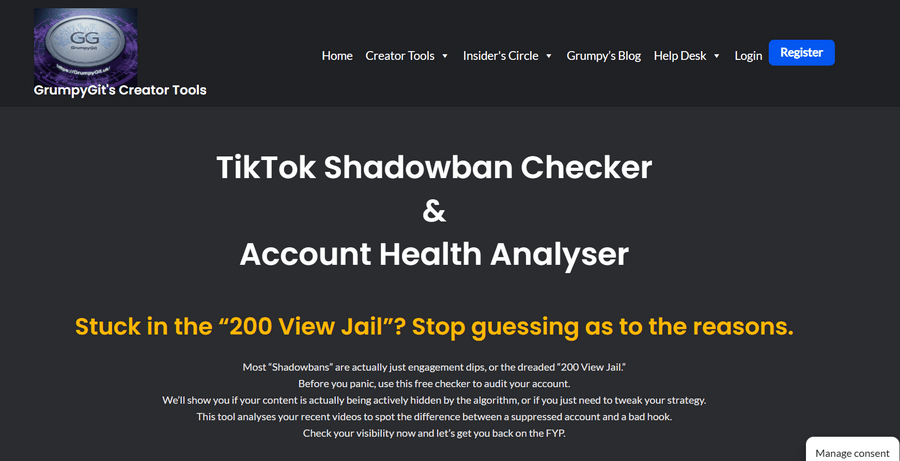
GrumpyGit stands out among similar tools. Rather than giving a simple “yes” or “no,” it explains why an account might be underperforming. It breaks down TikTok’s detection factors: user behavior, video content, device information, and engagement quality.
The tool checks for bot-like actions such as mass-liking or rapid follows, flags re-uploaded content, analyzes device fingerprinting, and identifies fake engagement from purchased followers or engagement pods.
Key Features:
- Analysis of behavior, content, device, and engagement
- Explanation of issues like the “200-view jail”
- Practical advice for improving account performance
Drawbacks for GrumpyGit:
- Website UI is very outdated and clunky
- Limited external reviews or user feedback
- Small, niche tool with less polish than major platforms
- Operates in a grey area of TikTok policies (content/device analysis)
- Navigation and usability can be confusing for new users
Verdict: GrumpyGit provides valuable insights into TikTok’s systems and account issues. However, the website’s UI is very outdated, which can make navigation and overall usability challenging.
2. Shadowbantool.com
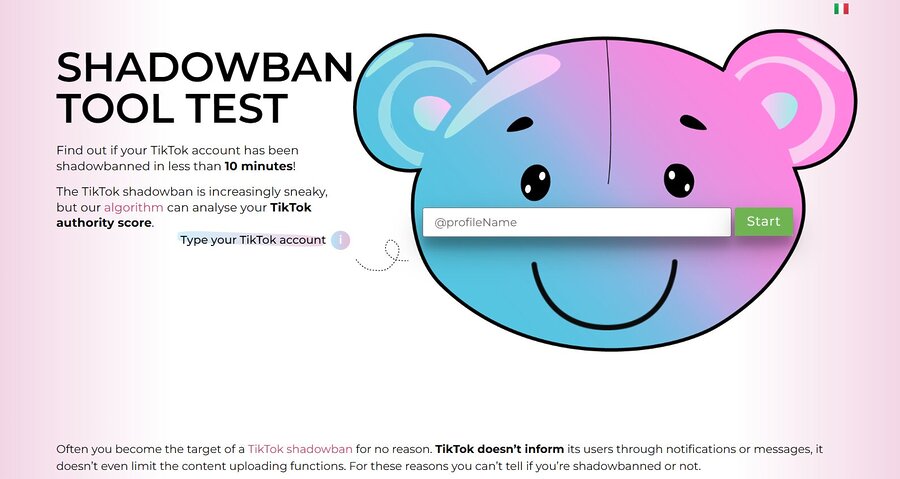
This site claims to check your “TikTok Authority Score” and tells you if you’re restricted. It says TikTok has “unwritten rules” that get you penalized. You type in your username, wait about ten minutes, and it gives you a report.
It tries to figure out if your content is being filtered from hashtags, sound searches, and the FYP.
Key Features:
- Gives you an “authority score.”
- Tries to pinpoint rule violations.
- Rates the severity of your ban.
Drawbacks:
- Uses an unofficial “authority score” not recognized by TikTok
- Claims to detect violations of “unwritten TikTok rules” (not official)
- Analysis can take around 10 minutes to generate
- Results are guesses based on public metrics, not TikTok’s internal data
- Cannot definitively verify or remove shadowbans; may be misleading
Verdict: It’s a quick check. The “authority score” isn’t an official TikTok metric, so take it with a grain of salt. It offers some decent insights, but don’t treat its word as gospel.
3. Spikerz Shadowban Calculator
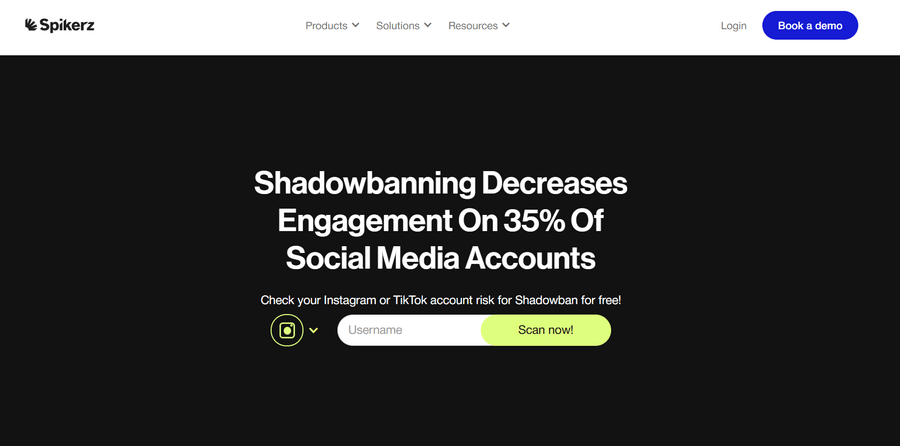
Spikerz is more than just a TikTok tool; it’s a social media security platform. It covers TikTok and Instagram. It’s for serious creators and brands who want to keep their accounts safe and visible. It looks at your public engagement data to see if it matches what a restricted account typically shows.
They claim shadowbanning hits about 35% of social media accounts. Spikerz compares your numbers to normal patterns to find anything suspicious.
Key Features:
- Works for TikTok and Instagram.
- Checks engagement risk.
- Offers broader account security
Drawbacks:
- Relies on public engagement data, not official platform signals
- Shadowban detection is an inference, not confirmed by TikTok/Instagram
- Claims about shadowban rates (e.g., “35% of accounts”) may be unverified
- May be overly complex for casual users or small creators
- Limited transparency on how risk thresholds are calculated
Verdict: Good for pros who need a wider view of their social media health. It’s part of a bigger security strategy.
4. Bulkoid TikTok Shadowban Status Checker
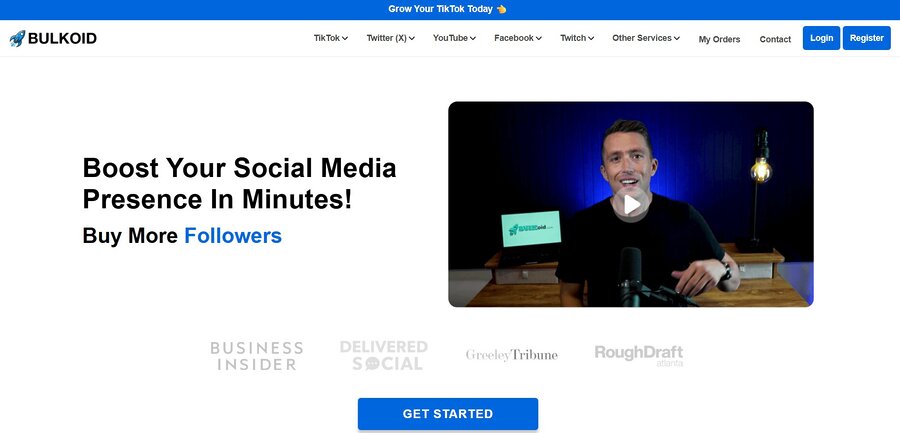
Bulkoid offers a free checker. It’s a lead magnet for their other services. It’s fast and easy – no login needed. It scans your recent video performance and engagement to give you a “risk score.”
They make a point of saying they don’t ask for passwords, which is good. But here’s the catch: Bulkoid also sells followers, likes, and views. The free checker is just to get you in the door.
Key Features:
- Instant risk score.
- No login.
- Shows engagement metrics.
Verdict: It’s a decent first step to see if something’s off. But be very careful about buying followers from them. That’s a surefire way to make your shadow ban worse, not better.
5. TikTok’s Official “Account Check” Feature
Forget third-party tools for a second. Go to Settings, then TikTok Studio, and look for “Account Check.” This is the only place that gives you direct info from TikTok itself.
It shows you if your account is in good standing, any violations you have, and even lets you appeal content. It’s the real source of truth.
Key Features:
- Official violation history.
- Current account status.
- Access to appeals.
Verdict: Use this first. Always. It’s the only official word you’ll get.
Do These Tools Actually Work?
These TikTok shadowban tools aren’t official “checkers.” They analyze public engagement data to detect patterns that might indicate a shadowban. While they can offer useful insights, they cannot give a definitive status or fix account issues.
- They highlight potential problems in follower counts, view-to-like ratios, and search visibility.
- Tools like GrumpyGit explain technical reasons behind low engagement and account “low-trust” scores.
- Avoid tools that promise to “unban” accounts or advise buying followers — these are misleading and can make your shadowban worse.
How to Actually Get Out of a Shadow Ban
If a checker points to a shadow ban, or your analytics are clearly showing a problem, you need a plan. It takes patience and smart moves.
First, go through your recent videos. Delete anything that might have bent the community guidelines, even if TikTok didn’t flag it directly. This shows TikTok you’re serious about playing by the rules.
Next, take a break. A “cooling-off” period of 48 to 72 hours often helps. Don’t post, like, or comment. Just use the app like a normal viewer. Watch videos, scroll, engage naturally. This tells TikTok you’re a real person, not a TikTok bot. When you start posting again, make sure your content is top-notch, original, and follows all guidelines. Avoid trendy sounds that have been flagged, controversial hashtags, or anything that looks misleading. Getting back to normal usually takes two to four weeks, depending on how bad the initial issue was.
Conclusion
Most good shadow ban checkers are diagnostic tools, not magic cures. GrumpyGit, Spikerz, and TikTok’s own Account Check offer real value. They help you understand your account status and the reasons behind any restrictions. They aren’t scams because they give you honest information and don’t make false promises.
But watch out. The shadow ban checker world has its share of bad actors. Never give your login details to a third-party tool – that’s a phishing trap. If a service promises to “unban” you for a fee, it’s a fraud. And if they suggest buying followers, they’re actively hurting your account.
Your best bet? Use TikTok’s official Account Check first. Then, use educational tools like GrumpyGit to understand the problem. After that, focus on creating great, rule-abiding content. Your audience and good content are your real growth engines.