Download Instagram Reels Without Watermarks: 9 Proven Methods
Instagram Reels have become one of the most popular ways to share short, creative videos. If you manage content and post videos across multiple channels, you might need Instagram Reels without watermarks to make them look original. Instagram doesn’t offer a built-in way to remove watermarks. So, how do you get clean, usable videos without compromising quality or breaking the rules?
In this article, we:
- Highlight tools like Multilogin for professional-scale workflows
- Show 8 effective methods to download Instagram Reels without watermarks
- Compare web tools, desktop apps, and mobile solutions
- Explain why clean downloads matter for content creators and marketers
- Cover tips for managing multiple accounts safely
Why download Instagram reels without watermarks?
Downloading Instagram Reels without watermarks opens up more creative and professional possibilities. If you want to re-upload content or create compilations to grow your profile, having clean, watermark-free videos makes your posts look more polished and authentic. This is especially useful for content creators, marketers, or anyone trying to build a strong online presence.
👉 If you’re looking to manage your audience more effectively, check out this list of the best Instagram follower export tools.
For those who manage multiple Instagram accounts, simple tools may not be enough. In this case, advanced solutions are essential.
How to not get banned before downloading your first reel
Instagram accounts can get banned if activity spikes too quickly. To stay safe, each account should be “warmed up” with regular, natural actions for several days before posting or reposting content. Doing this manually for many accounts takes a lot of time.
Nextbrowser automates the warm-up in real cloud browsers using prompt-based actions. You can:
- Browse feeds, open posts, and watch videos naturally
- Like, comment, and engage to build credibility
- Follow accounts and monitor hashtags automatically
- Schedule daily routines to keep accounts active
Each account runs in an isolated browser with its own proxy, so Instagram sees each one as a separate real user. Get started with Nextbrowser for free today by clicking the link in the card:

Pricing
Key Features
Posting across many social media accounts?
Managing multiple Instagram accounts from one device will get you banned. Instagram tracks IP addresses and device fingerprints. If multiple accounts share the same ones, they’re gone.
Your options are either buy separate physical phones for each account, or use cloud phones and antidetect browsers that make each account look unique.
Try Multilogin. Each account runs on its own cloud phone or browser profile with different fingerprints and IPs. Instagram sees them as separate devices.

Pricing
Key Features
👉 Want to understand why Instagram bans happen and how to avoid them? Read this guide on Instagram IP bans.
1. SnapInsta – Free online tool
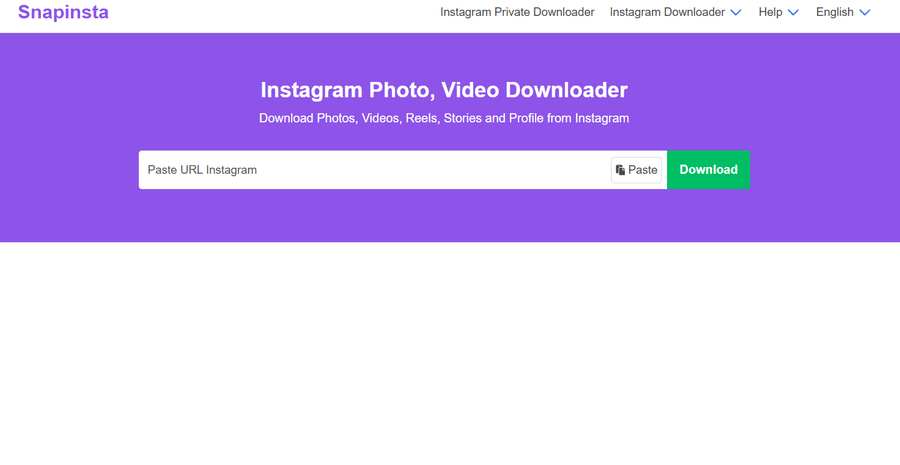
SnapInsta stands out as one of the most straightforward web-based solutions. This tool requires no software installation and works directly in your browser.
How to use SnapInsta:
- Copy the Instagram Reel URL from the app or website
- Paste the link into SnapInsta’s input field
- Click the download button
- Choose your preferred video quality
- Save the watermark-free video to your device
The platform supports multiple formats and quality options, and it processes downloads quickly without account registration.
2. 4K Stogram – Desktop application

4K Stogram offers a robust desktop solution for Instagram content downloads. This application provides batch download capabilities and automatic updates when new content appears.
Key features:
- Download entire Instagram profiles
- Schedule automatic downloads
- Choose specific video quality settings
- Organize downloads in custom folders
- Available for Windows, macOS, and Linux
The software maintains a clean, user-friendly interface and handles large-scale downloads efficiently.
3. InstaDP – Mobile and web platform
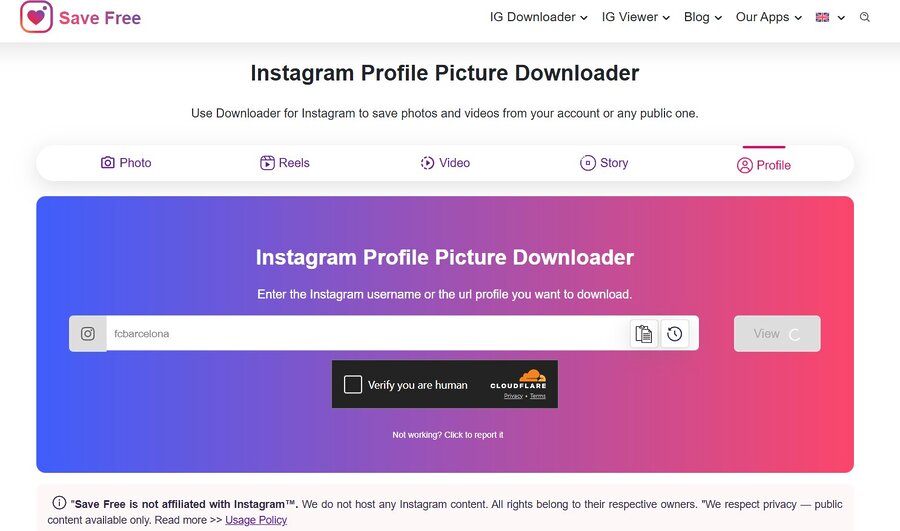
InstaDP serves as both a mobile app and web service, specializing in Instagram content extraction. The platform focuses on simplicity and speed.
Advantages of InstaDP:
- Works on smartphones and computers
- No watermarks on downloaded content
- Fast processing times
- Supports multiple Instagram content types
- Free to use with optional premium features
The service processes requests quickly and provides direct download links without complicated steps.
4. SaveIG – Browser-based solution
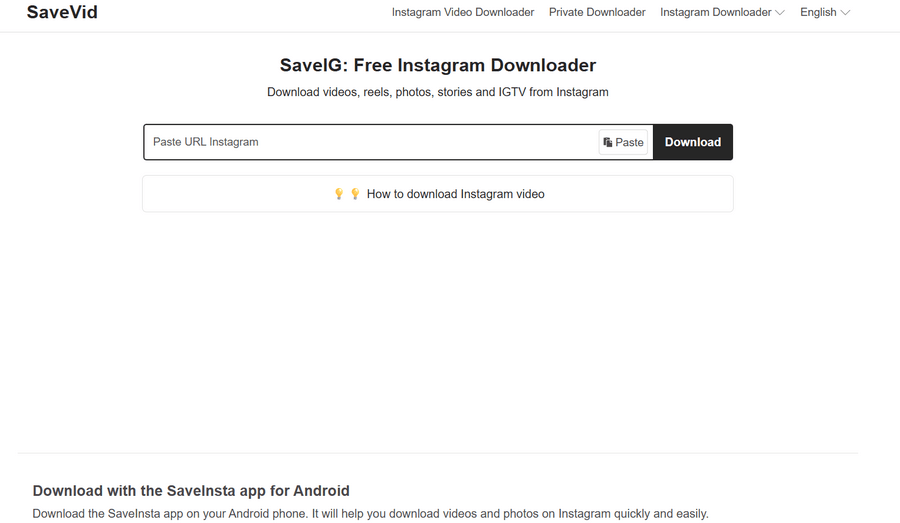
SaveIG operates entirely through web browsers, eliminating the need for app installations. This tool emphasizes privacy and doesn’t store user data.
How SaveIG works:
- Visit the SaveIG website
- Enter the Instagram Reel URL
- Select your download preferences
- Click download to save the clean video file
The platform maintains user privacy by not storing URLs or downloaded content on their servers.
5. Reels Downloader Pro – mobile app
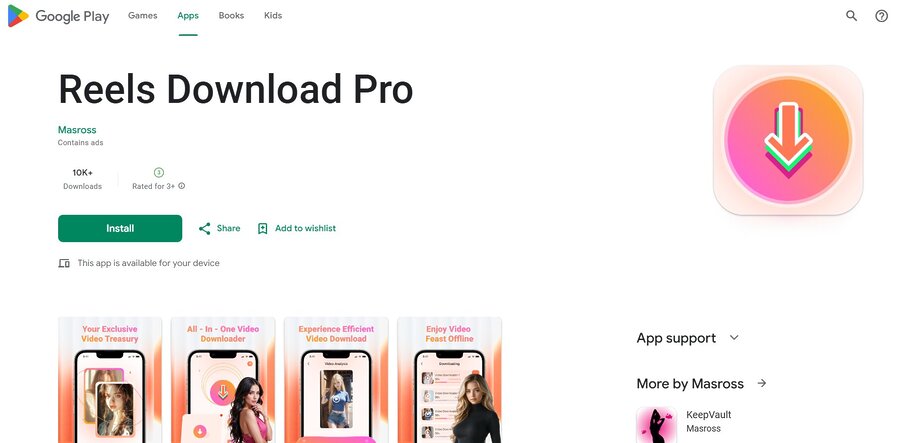
Reels Downloader Pro caters specifically to mobile users who frequently download Instagram content on their phones. The app integrates well with mobile workflows.
App benefits:
- Direct integration with Instagram app
- Share button functionality
- Built-in video player
- Batch download options
- Offline access to saved content
The application streamlines the download process through native mobile features and intuitive navigation.
6. DownloadGram – Multi-platform tool
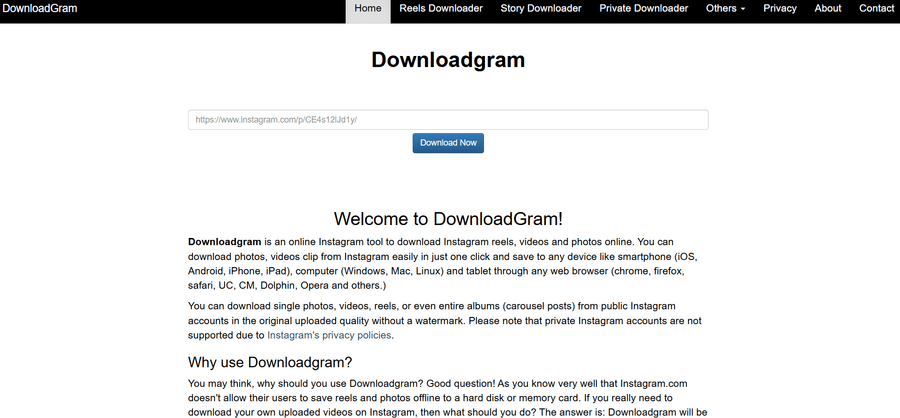
DownloadGram supports various social media platforms, with excellent Instagram Reel support. The tool offers both web and mobile app versions.
Notable features:
- Cross-platform compatibility
- High-quality video downloads
- No registration required
- Regular updates and improvements
- Multiple format options
The service handles different video resolutions and maintains original quality without compression.
7. InstaSave – Comprehensive solution
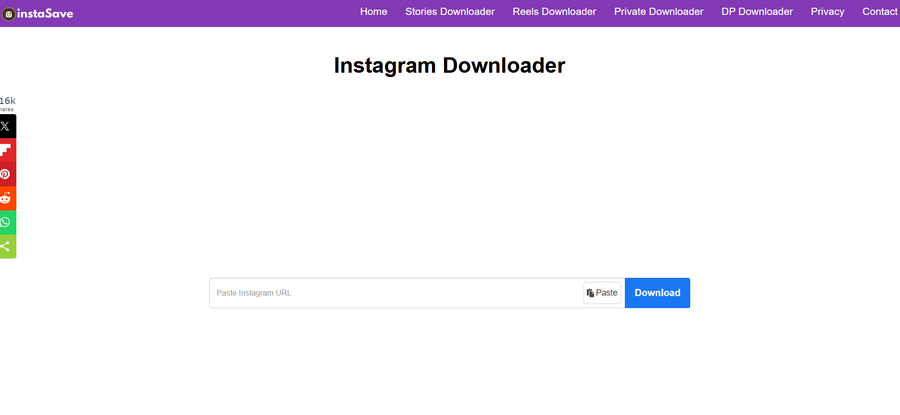
InstaSave provides a complete Instagram download solution with advanced features for power users. The platform offers both free and premium tiers.
Advanced capabilities:
- Bulk download functionality
- Custom naming conventions
- Automated organization
- Cloud storage integration
- API access for developers
The tool caters to users who need extensive download capabilities and workflow integration.
8. GetInstaDP – High-quality Instagram Reel downloader
GetInstaDP is one of the most versatile online tools for downloading Instagram content without watermarks. Known for its speed and reliability, it works perfectly for saving Reels, videos, stories, profile photos, and highlights in full resolution. The platform’s clean design and no-login policy make it both secure and convenient.
Key advantages:
- Works across mobile, desktop, and tablet browsers.
- No account sign-in required—completely anonymous.
- Supports downloading Reels, stories, and profile content.
- Preserves original video quality without compression.
- 100% free to use with no hidden subscriptions.
9. Manual Editing – Crop out the watermark
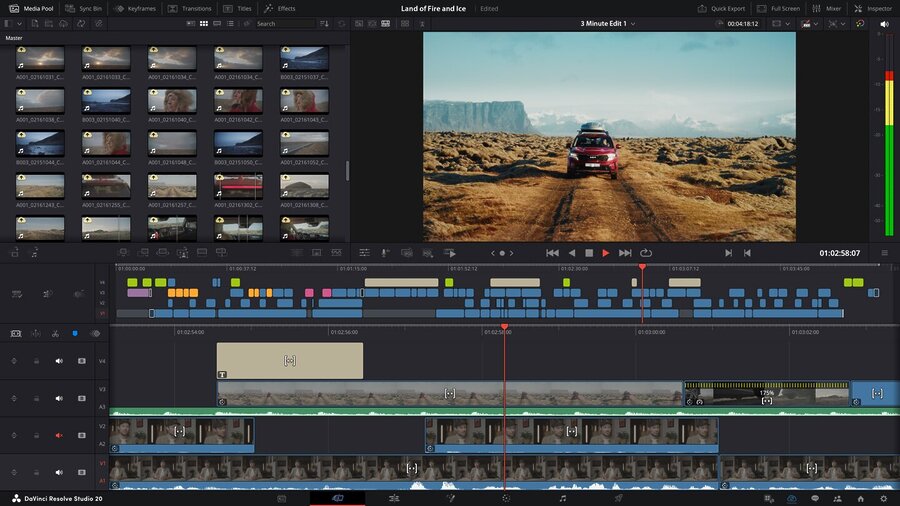
This method works if you download the Reel the usual way and then remove the watermark using a video editor. It’s simple, but requires extra effort.
How to do it:
- Download the Instagram Reel using the standard Instagram download option or any basic downloader.
- Open the video in your preferred video editing software (e.g., CapCut, Adobe Premiere, DaVinci Resolve or even free tools like OpenShot).
- Locate the part of the video where the watermark appears.
- Crop or trim the video to remove the watermark section.
- Export the video in your desired resolution and format.
- Save the final version and use it for posting, archiving, or repurposing.
Tip: This works best for short Reels or when you only need a few videos. Repeated use for many clips may be time-consuming compared to automated download tools.
Important considerations and legal guidelines
Before downloading Instagram Reels, keep these key points in mind:
- Respect copyright: Only download content you own, have permission to use, or that qualifies under fair use.
- Follow platform rules: Instagram may restrict certain download activities—personal use is usually fine, but redistribution or commercial use can violate policies.
Personal vs. commercial use: Stick to archiving or research unless you have explicit permission for commercial purposes. - Quality and storage: Higher-quality files take more space—choose settings that fit your device and bandwidth.
- Give credit: Even without watermarks, acknowledge original creators to show respect and maintain transparency.
Advanced tips for optimal results
Maximize your download success rate and quality with these professional recommendations:
To get the best quality and avoid issues when downloading Instagram Reels:
- Use original URLs to ensure proper metadata and compatibility.
- Keep a stable connection—slow or interrupted downloads can corrupt files.
- Verify availability—private, deleted, or restricted videos won’t download.
- Check file quality before deleting originals to avoid errors or compression issues.
- Use Multilogin, which uses built-in residential proxies and human-like behavior to reduce the risk of bans.
👉 For a deeper look at multi-account management and how to avoid bans, check out this detailed guide.
FAQ
How to save Instagram Reels without watermark?
You can save Instagram Reels without watermark by using third-party downloader tools rather than Instagram’s built-in save feature. Instagram’s “Save” or “Download” option includes a watermark. Tools like SnapInsta, SaveIG, or GetInstaDP allow you to paste the Reel link and download the clean version directly to your device. Always ensure you have permission to download and use the content before saving it.
What is the best Instagram reel downloader with no watermark?
Several tools work well, but the best Instagram reel downloader without watermark depends on your device and needs:
- SnapInsta – Fast browser download without app installation.
- SaveIG – Privacy-focused and ideal for desktop users.
- GetInstaDP – Reliable option known for downloading high-resolution Reels and profile videos.
- 4K Stogram – Desktop tool for bulk or scheduled downloads.
All of these solutions can download Instagram Reels without watermark in just a few clicks.
How do I download Instagram Reels without watermark on mobile?
To download IG Reels without watermark on mobile, open the Reel in the Instagram app, tap the “Share” button, and select “Copy Link.”
Then visit a site like GetInstaDP or SnapSave in your mobile browser, paste the link, and download the video. The tool will give you a watermark-free MP4 file ready to save to your phone.
How to download Instagram videos without watermark?
The process for downloading Instagram videos without watermark is the same as for Reels:
- Copy the video’s URL.
- Go to a trusted downloader such as DownloadGram or InstaSave.
- Paste the link into the field and click “Download.”
- Choose your preferred resolution, then save it to your device.
This method works for both Reels and standard feed videos.
Can I use GetInstaDP safely to download Instagram Reels?
Yes, GetInstaDP is one of the most popular and secure web tools for saving Instagram content. It lets you download Instagram Reels without watermark as well as high-quality profile pictures and stories. The platform doesn’t require sign-in, helping protect your Instagram credentials. However, always use the official site (getinstadp.io or getinstadp.com) to avoid copycat domains.
How to remove watermark from Instagram Reel already downloaded?
If you’ve already saved a Reel with a watermark, you can remove the watermark from Instagram Reel via a video editor:
- Trim the watermark section if it’s only on one edge.
- Use editing apps like CapCut, InShot, or Adobe Premier Rush to crop or blur watermark overlays.
- Alternatively, re-download the same video through a watermark-free Instagram Reels downloader.
Keep in mind: removing watermarks from videos you don’t own can infringe on creator rights.
How do you save Instagram Reels to your camera roll?
To save Instagram Reels to your camera roll, use any of the web or app tools mentioned:
- Copy the Reel’s URL.
- Use a site like SnapInsta or SaveIG.
- Download your watermark-free video.
- Once downloaded, tap Share → Save Video (iOS) or Download → Gallery (Android).
Your Reel will now appear in your phone’s camera roll in the same quality selected during download.
Does Instagram let you download videos without a watermark directly?
No. Instagram’s built-in download options automatically include the username watermark and platform tag. To save Instagram Reels without watermark, you must use an external reel downloader or manually screen-record your own content before posting.
Is it legal to download Instagram Reels?
You can freely download IG Reels without watermark if the content is your own or if you have permission from the creator. Downloading for personal offline use is generally acceptable, but redistributing or reposting other users’ content can violate Instagram’s terms or copyright laws. Always credit original creators when resharing their content.
What’s the easiest way to download Instagram Reels without watermark on desktop?
For desktop users, tools like 4K Stogram, SaveIG, or DownloadGram are the best options. Just paste the Reel’s link into the downloader on your web browser, then save the file to your computer. These apps work across Windows, macOS, and Linux, ensuring high-quality, watermark-free downloads.
Conclusion
Saving Instagram Reels without watermarks is simple with the right tool. From casual use to professional content management, there’s a method for everyone.
- Variety of options: Web tools, desktop apps, mobile apps, and advanced platforms.
- Fits every need: Quick solutions for casual users, robust features for professionals.
- Choose wisely: Consider frequency, device, and features.
- Stay updated: Pick tools that adapt to Instagram’s changes.
Use responsibly: Respect creators’ rights and platform policies.