How to Download a Reel From Instagram Without Losing Quality
Getting Reels onto your device might be a challenge, since Instagram doesn’t make it simple—and there’s a reason: they want you to stay within the app. But there are ways to save the video you need. This guide breaks it down step by step, covering the official method and reliable tools that handle everything, including audio and watermark issues.
How to Use Instagram’s Built-in Download Feature
Instagram has a native download option for Reels, and it’s the first place you should look. It’s straightforward, but it comes with some serious limitations you need to understand.
How It Works (When It Works)
1. Find your Reel: Open the Instagram app and navigate to the Reel you want to download.
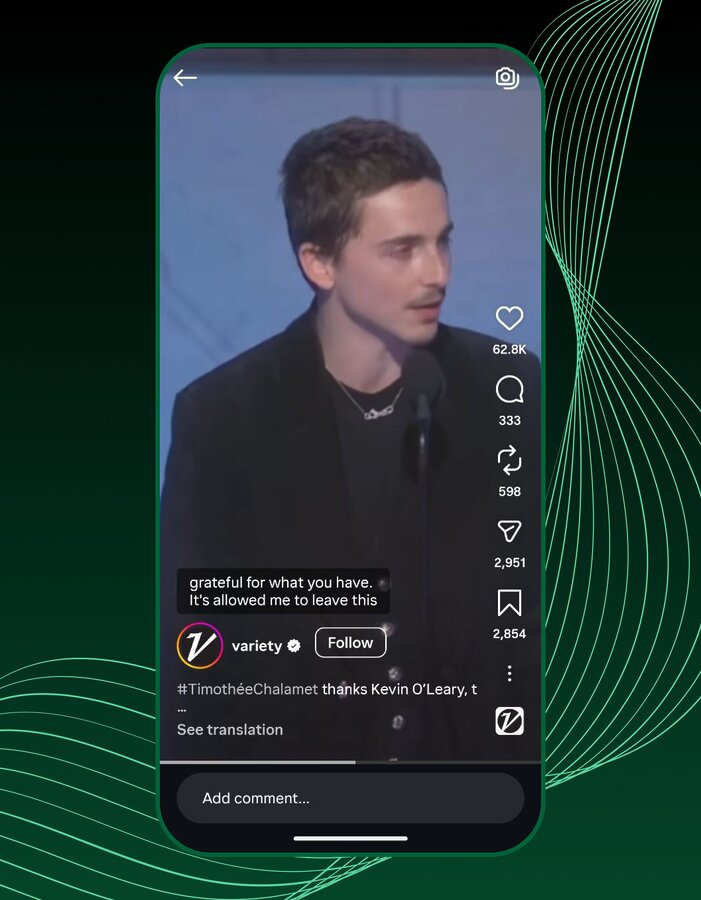
2. Tap the share Icon: Look for the paper airplane icon. Tap it.

3. Select “Download”: If the option is available, you’ll see a “Download” button. Tap it, and the Reel should save directly to your device’s camera roll or gallery.
Why Native Downloads Often Fall Short
This sounds simple, right? But here’s the reality:
- Public Accounts Only (and Even Then…): You can only download Reels from public accounts. If the creator has a private profile, you’re out of luck. Even for public accounts, the creator has the option to disable downloads for their Reels. If they’ve done that, the “Download” button simply won’t appear.
- The Watermark Problem: Any Reel downloaded directly through Instagram will have a prominent Instagram watermark, usually with the creator’s handle. If you’re trying to repurpose this content for other platforms like TikTok or YouTube Shorts, that watermark is a dead giveaway and often looks unprofessional.
- Audio Removal is Real: This is a big one. If the Reel uses licensed music or copyrighted audio, Instagram will often strip that audio from the downloaded video. You’ll end up with a silent video, which defeats the purpose for many users. This is a copyright protection measure, but it’s a major headache if the audio was key to the Reel.
So, while the native feature exists, it’s often not the solution you need. This is where third-party tools come into play.
Why You Need a Third-Party Instagram Reel Downloader
The limitations of Instagram’s native download feature are exactly why the market for third-party instagram reel downloader tools is thriving. These tools exist to bypass those restrictions, offering features that Instagram simply won’t. If you need a clean video without watermarks, with the original audio intact, or from an account that has disabled downloads (though ethical considerations apply here), a dedicated tool is your only real option.
These tools range from simple web-based utilities to full-fledged mobile apps. They work by essentially “scraping” the video file directly from Instagram’s servers before it’s processed with watermarks or audio removal. This is a technical workaround, and while generally effective, it’s important to choose reliable tools to avoid malware or poor quality downloads.
What Third-Party Tools Offer
- No Watermarks: This is a primary draw. A clean video is essential for repurposing content professionally.
- Original Audio Retention: Many third-party tools can download Reels with the original, licensed audio still attached, which is crucial for viral content.
- Higher Quality: Some tools offer options to download in higher resolutions than Instagram’s native feature might provide.
- Private Account Access (with caveats): While no tool can magically access private content without the account owner’s permission, some advanced tools might allow you to download from private accounts you follow by logging in through the tool (use with extreme caution and only with trusted apps).
- Batch Downloading: A newer feature in 2026, some premium tools now offer the ability to download multiple Reels from a profile or even an entire feed at once, saving significant time for content curators.
To understand why Instagram sometimes disables accounts for unusual activity, read our guide on Instagram disabled due to data scraping
How to Pick the Right Reel Downloader
With so many options, how do you decide? Consider these factors:
- Frequency of Use: If it’s a one-off, a web-based tool like SnapInsta or SaveInsta is fine. For regular use, a mobile app like InSaver or Snaptube might be more convenient.
- Device: Web tools are universal. Apps are device-specific (iOS vs. Android).
- Features Needed: Do you need audio? No watermarks? Batch downloads? Your feature requirements will narrow down the choices.
- Budget: Most basic downloaders are free but come with ads. Premium features like batch downloads or ad-free experiences will cost you.
- Security: Be cautious with apps that require you to log in with your Instagram credentials. Stick to tools that only ask for the Reel link. For Android users, sideloading APKs (like Snaptube) carries inherent risks, so ensure you trust the source.
The Tools That Get It Done: 5 Top Instagram Reel Downloaders for 2026
Choosing the right tool depends on your needs: are you on mobile or desktop? Do you need a quick one-off download or a regular solution? Here are five reliable options, each with its own strengths and weaknesses.
1. SnapInsta (Web-based)
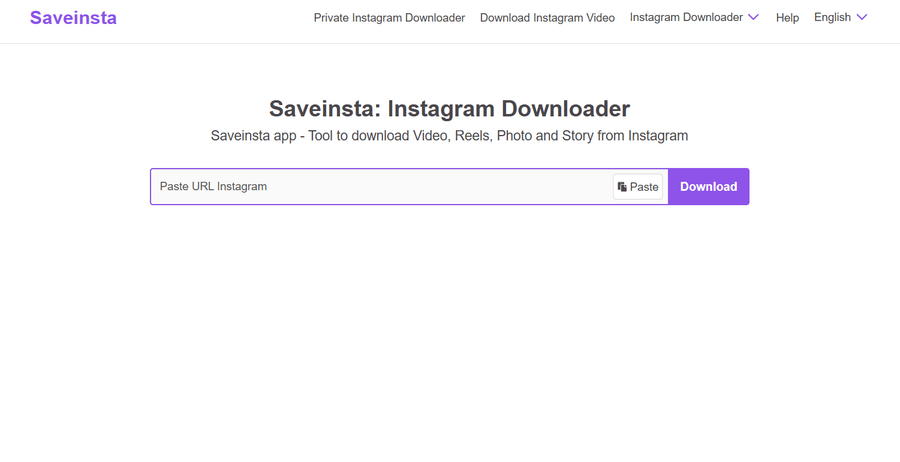
SnapInsta has been a consistent player in the download insta reel game for years. It’s a web-based tool, meaning you don’t need to download any software or apps. You just open your browser, paste the Reel link, and hit download.
Pros:
- Universal Access: Works on any device with a web browser (desktop, Android, iOS).
- No Installation: Keeps your device free of extra apps.
- High-Quality Downloads: Often provides videos in their original high definition.
- Free to Use: No hidden costs or subscriptions.
Cons:
- Ad-Heavy Interface: Expect to encounter a fair number of pop-up and banner ads, which can be distracting.
- Manual Process: Requires copying the Reel link from Instagram and pasting it into the SnapInsta website for each download.
- No Batch Downloading: You can only download one Reel at a time.
2. InSaver (iOS/Android App)

For those who prefer a dedicated mobile app, InSaver is a popular choice for instagram reels download. It’s available on both iOS and Android, offering a more integrated experience than web-based tools.
Pros:
- Integrated Browser: Some versions include an in-app browser, making it easier to navigate Instagram and download directly.
- Organized Downloads: Provides a dedicated space within the app to manage your downloaded Reels.
- Supports Other Content: Often supports downloading Instagram Stories, photos, and IGTV videos as well.
- User-Friendly Interface: Generally intuitive for mobile users.
Cons:
- Ads and Premium Features: The free version is typically ad-supported, and some advanced features (like higher quality or ad-free experience) are locked behind a subscription.
- App Installation Required: Takes up space on your device.
- Potential for Instability: Like many third-party apps, updates to Instagram can sometimes temporarily break its functionality until the app developer releases a fix.
3. SaveInsta (Web-based)
SaveInsta is another robust web-based insta reel download solution that focuses on speed and simplicity. It’s a go-to for quick, no-fuss downloads across various Instagram content types.
Pros:
- Fast Processing: Known for quickly fetching and preparing video files for download.
- Multi-Content Support: Handles Reels, photos, videos, and sometimes even Stories.
- No Registration: You don’t need to create an account or log in to use it.
- Reliable: Generally maintains good functionality even with Instagram updates.
Cons:
- Intrusive Ads: Similar to SnapInsta, the website can be cluttered with ads.
- Limited Features: Primarily a downloader; lacks advanced features like editing or batch processing.
- Occasional Failures: Very long or particularly complex Reels might occasionally fail to download.
4. Snaptube (Android App)
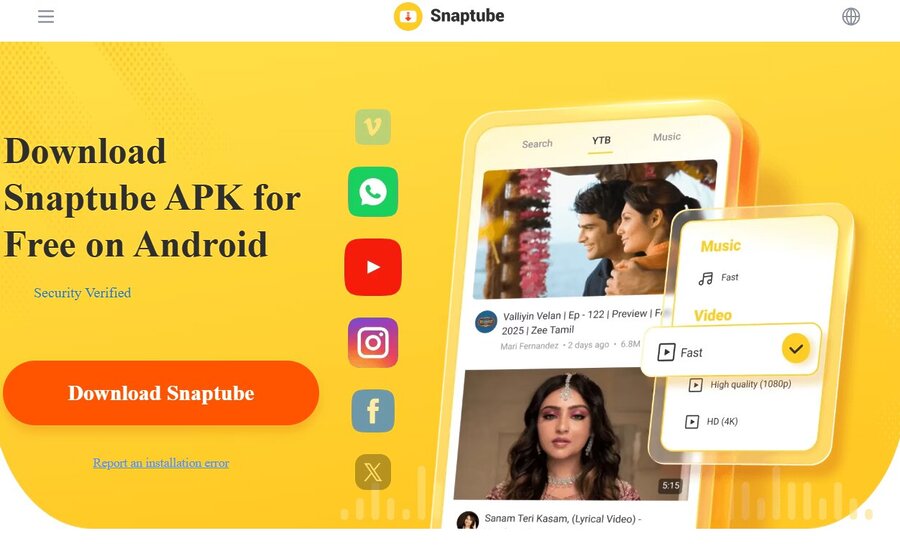
Snaptube is a powerful and versatile media downloader, particularly popular among Android users. It’s not just for Instagram; it can download from a multitude of platforms, making it a comprehensive solution for video hoarders.
Pros:
- Multi-Platform Support: Downloads from YouTube, Facebook, TikTok, and many other sites, in addition to Instagram.
- High-Resolution Options: Offers various quality settings, including 4K where available.
- Audio Extraction: Can download videos as MP3 files, which is a huge plus if you only need the audio from a Reel.
- Built-in Player: Allows you to preview content before downloading.
Cons:
- Not on Google Play Store: Requires sideloading the APK file, which can be a security concern for some users and requires adjusting device settings.
- Resource-Heavy: Being a feature-rich app, it can consume more battery and storage compared to simpler downloaders.
- Potential for Ads: While powerful, it can still include ads within the app.
5. Inflact (Web-based Marketing Tool)
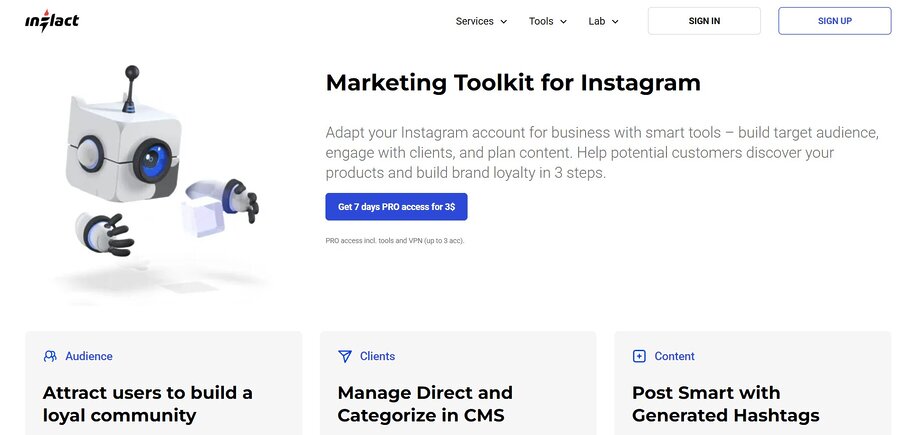
Inflact is more than just a downloader; it’s a suite of Instagram marketing tools that includes a reliable saver reels function. It’s geared towards professionals and businesses but can be used by anyone.
Pros:
- Clean, Professional Interface: Less cluttered with ads compared to free-only alternatives.
- High Reliability: Part of a larger, actively maintained platform, so it tends to be more stable.
- Additional Features: Offers other tools like profile analysis, hashtag generators, and scheduled posting (though these are often paid).
- Supports Various Content: Downloads Reels, Stories, photos, and videos.
Cons:
- Paid Features: While a basic downloader might be free, many of its advanced features and an ad-free experience require a subscription.
- Overkill for Simple Needs: If you only need to download one Reel occasionally, the full suite of tools might be unnecessary.
- Slightly Slower: Due to its more robust backend, it might take a few extra seconds to process downloads compared to some minimalist tools.
Advanced Considerations for Downloading Reels in 2026
Beyond saving a video, there are a few practical points to consider.
Audio extraction
- Many Reels rely on trending audio rather than visuals
- Some tools allow you to download only the sound as an MP3
- Useful for remixes, reaction videos, or sound libraries
Watermark-free downloads
- Instagram’s native downloads include a visible watermark
- Watermarks limit reuse on TikTok, YouTube Shorts, and similar platforms
- Third-party tools provide clean files suitable for cross-posting and branding
Batch downloading
- Downloading Reels one by one is inefficient at scale
- Advanced tools support downloading multiple Reels from a profile
- This feature is typically available in paid plans
Privacy and ethical use
- Respect the original creator’s rights at all times
- Private accounts cannot be downloaded without access
- Get permission before reposting and always credit the source
Conclusion
Downloading Instagram Reels isn’t always straightforward, but it is doable with the right approach. Instagram’s native feature works in limited cases, but it often adds watermarks, removes audio, and isn’t available for all content. That’s why third-party tools are useful—they can give you clean videos with original sound and more flexibility.
Choose a tool based on how often you’ll use it and the features you need. Always respect creators’ rights: avoid private content without permission and credit the original source when reposting or repurposing. With the right method, saving Reels becomes a simple part of your workflow.