

Anonymous Instagram Story Viewer: 5 Tools to Stay Truly Undetectable
You think anonymous Instagram story viewers hide you completely. Instagram’s systems disagree.
Most of these tools do one thing: they remove your username from the viewer list. That’s it. But Instagram doesn’t just track who viewed a story. It tracks how the request was made — your IP address, your device fingerprint, your browser headers, your timezone. The username is the least interesting piece of data they collect.
If you’re managing multiple accounts, running outreach, or just want genuine privacy, that gap matters a lot.
Here’s what’s actually happening, and the 5 tools that come closest to keeping you truly hidden.
Why You Need an Anonymous Instagram Story Viewer
Instagram does not offer a built-in way to view stories without revealing your identity. They want you logged in, engaged, and visible. But what if you are monitoring a competitor? What if you manage multiple accounts and cannot afford to cross-contaminate them? What if you simply do not want your viewing habits tied to your profile?
This is not unique to Instagram. Platforms across social media apply the same tracking logic, which is why anonymous viewing tools have become essential for anyone doing serious account management or competitive research. When researching an online identity across platforms, a social media search by phone number can also help users discover social profiles associated with a phone number, where publicly available information and platform features allow.
A dedicated anonymous Instagram story viewer is useful for several reasons:
- It removes your account from the viewer list, so the profile owner never sees you watched.
- It routes the request through external servers, keeping your real IP out of the picture.
- It works without logging in, so no session cookie links back to your profile.
- It runs directly in the browser, no app install required on most devices.
Before picking a tool, it’s worth knowing what you’re actually exposing right now. Run a quick check on Pixelscan— it shows your fingerprint signals, IP consistency and timezone match in seconds. Most people are surprised by what comes back.
A proper tool is fast, clean, and gets you the access you need without leaving a trace on your account.
The 5 Best Tools for Anonymous Instagram Story Viewing
The right tool depends on how often you view stories and what level of anonymity you actually need. Here is an honest breakdown:
1. StorySaver.net
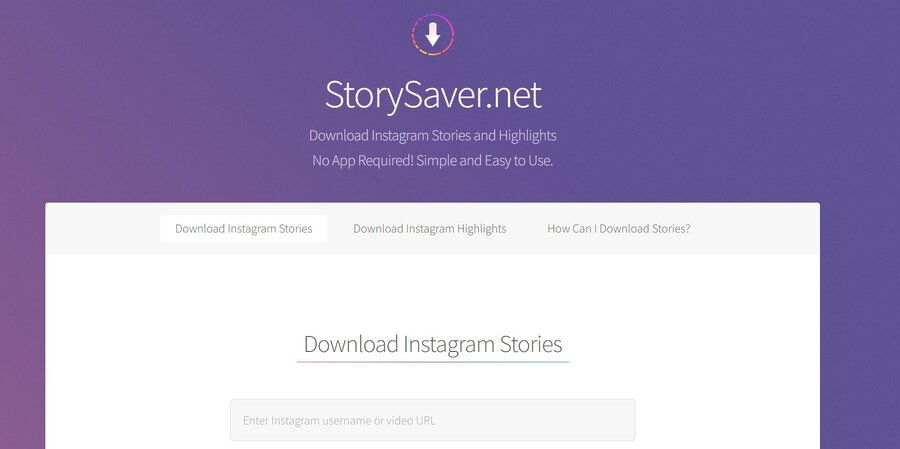
What it is: A web-based tool that lets you view and download public Instagram stories without logging in.
Why it works: StorySaver routes your request through its own servers, so Instagram never receives your real IP or account details. It is simple, fast, and requires no installation.
How to use it:
- Go to StorySaver.net in any browser.
- Type the Instagram username whose stories you want to view.
- The tool fetches and displays their active stories.
- Click any story to view it, or download it directly.
Best for: Occasional personal use. Checking a competitor’s story once in a while, or viewing public content without leaving a trace on your account.
2. StoryNavigation
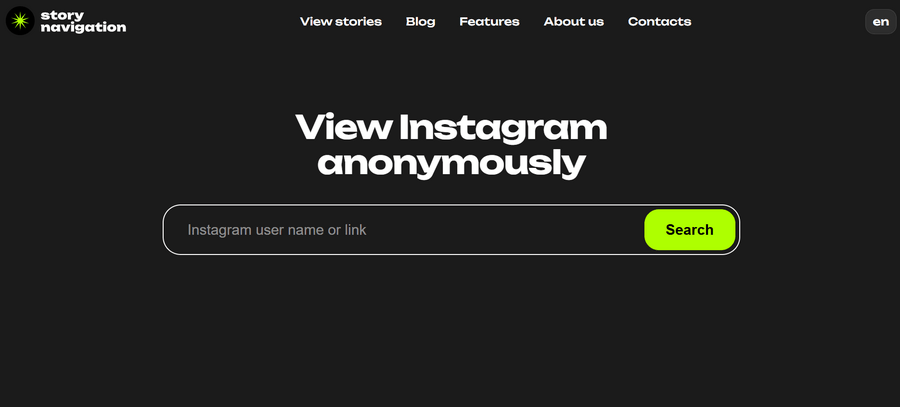
What it is: A clean, no-login web interface for browsing public Instagram profiles and stories anonymously.
Why it works: StoryNavigation retrieves Instagram content through its own infrastructure without requiring any account credentials. The interface is minimal and works well on both desktop and mobile browsers.
How to use it:
- Open StoryNavigation in your browser.
- Enter the Instagram username you want to look up.
- Navigate to their Stories tab.
- View or download stories without logging in.
Best for: Quick, one-off profile lookups. Users who want a cleaner interface than most web tools offer.
3. Inflact Anonymous Story Viewer
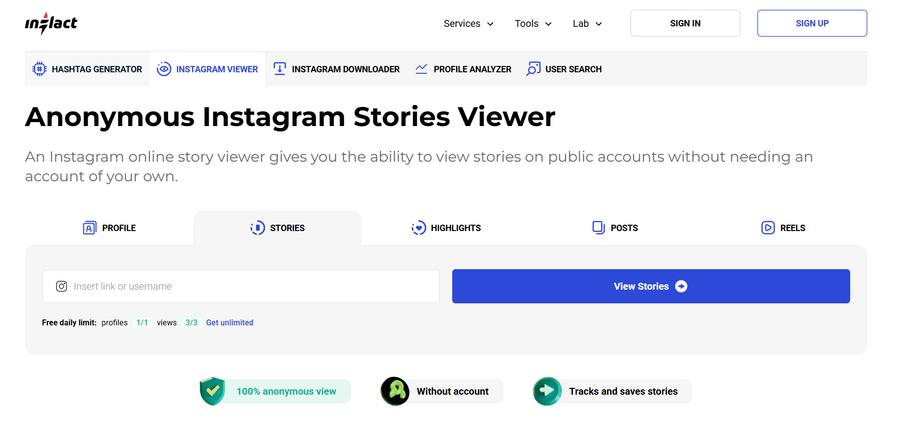
What it is: Part of a broader Instagram toolkit, Inflact includes an anonymous story viewer as one of its free features.
Why it works: Inflact handles the request on your behalf, pulling story content without connecting it to your Instagram account. It also supports highlights, not just active stories.
How to use it:
- Go to Inflact and navigate to the Anonymous Story Viewer tool.
- Search for the username you want.
- Select stories or highlights to view.
- Download content if needed — no login required.
Best for: Users who want to view both active stories and archived highlights anonymously. Also useful if you already use Inflact for other Instagram tools.
4. AnonIG
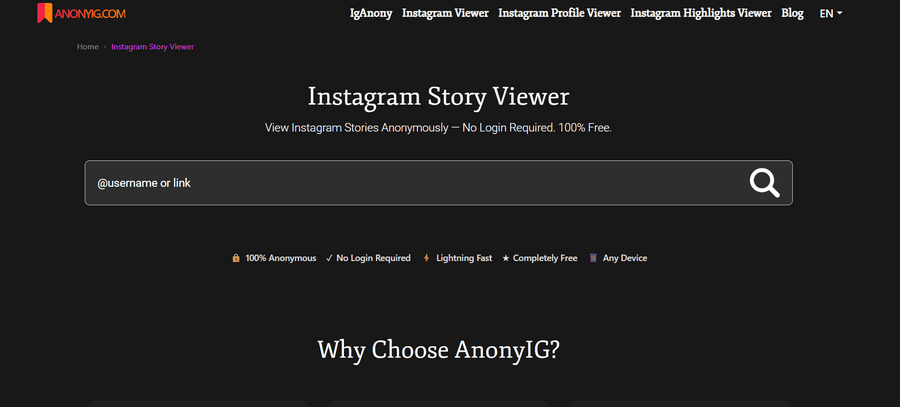
What it is: A web-based Instagram story viewer designed for anonymous browsing of public profiles without requiring login or installation.
Why it works: AnonIG fetches Instagram stories through its own server layer instead of your device, so your account is not linked to the view. It focuses on speed and simplicity, making it easy to access content without leaving traces in your Instagram profile.
How to use it:
- Open AnonIG in your browser.
- Enter the Instagram username in the search bar.
- Select the profile from the results.
- View available stories or highlights instantly.
Best for: Users who want a quick, lightweight tool for occasional anonymous viewing without extra features or setup.
5. InSnoop
What it is: A web-based Instagram story viewer that allows users to view and download stories and highlights from public Instagram accounts without logging in or appearing in the viewer list.
Why it works: InSnoop retrieves publicly available Instagram content through its own server layer instead of your browser session. This means your Instagram account is not directly linked to the view, since no login or session cookies are used. However, it still only works with public profiles and does not bypass Instagram privacy settings.
How to use it:
- Open InSnoop in your browser.
- Enter the Instagram username in the search field.
- Select the profile from the results.
- View available stories or highlights instantly.
Best for: Users who want a simple, browser-based tool for occasional anonymous viewing of public Instagram stories and highlights without installing apps or logging in.
Advanced Use: Automating Instagram Management at Scale
For most users, one of the tools above covers everything they need.
But if you monitor a large number of accounts regularly, tracking competitor activity, running market research, or managing client reporting, manual viewing becomes slow and impractical fast.
At this level, users typically build lightweight automation using Python scripts or browser automation frameworks. These can cycle through a list of usernames, capture story content, and log activity on a schedule, without any manual input.
The problem is that repeated automated sessions create patterns. The same IP hitting the same profiles on the same schedule is easy for Instagram to flag. This is where session isolation becomes critical.
A cloud phone is a real Android device hosted in the cloud. It has its own isolated device fingerprint, completely separate from your real phone. Each session looks like a different physical device in a different location — not a script running on a server.
Tools like Multilogin are widely used in these workflows to manage cloud phone profiles at scale, keeping browser sessions separated and stable across multiple accounts or parallel tasks.
The result is automation that holds up over time. Consistent fingerprint, clean IP, human-like timing. The tools in the list above get you anonymous. This setup keeps you undetectable.
Is Viewing Instagram Stories Anonymously Legal?
This depends on how you use it.
Viewing public profiles for research, monitoring competitors, or keeping an eye on your own brand mentions without revealing your identity is widely accepted practice. Nobody is coming after you for that.
Where it gets complicated is using these tools to target private individuals, scraping content to republish it without credit, or building automation that violates Instagram’s Terms of Service. Those cross a line — legal, ethical, or both.
For most use cases covered in this guide, you are fine. Just review the platform terms before you start automating anything at scale.
FAQ
Open a web-based tool like StorySaver.net or InstaNavigation, type the username you want to check, and browse their stories without logging in. Your account never appears in the viewer list. For stronger anonymity, use a cloud phone with a mobile proxy so your IP and device fingerprint are also clean.
Incognito mode only hides your browsing history from your own device. It does not change your IP address, your browser fingerprint, or any of the signals Instagram uses to profile traffic. From Instagram’s side, an incognito session looks identical to a normal one.
Yes. StorySaver.net, InstaNavigation, iGram, and StoriesIG all work directly in a mobile browser — no app install needed. For users who need genuine session isolation on mobile, a cloud phone environment is the more reliable option, since it gives you a fully separate device fingerprint and IP.
For public accounts, yes. Viewing content without identifying yourself is standard practice for competitive research, brand monitoring, and market analysis. Where it gets complicated is automating requests at scale or targeting private individuals, both of which can conflict with Instagram’s Terms of Service.
Instagram cannot see your username when you use a third-party tool. But it can still analyze the IP address, request headers, device fingerprint, and timing patterns of every session. Tools that route traffic through shared or overused IP pools are easy for Instagram to identify as non-human, even without a username attached.
A story viewer tool hides your username by routing the request through their servers. That is the only layer it addresses. A cloud phone with a mobile proxy gives you a fully isolated device environment: separate fingerprint, clean carrier IP, and matched timezone, covering every signal Instagram evaluates, not just your identity.
Conclusion
Anonymous Instagram story viewers only hide your username, not your full digital footprint. Instagram still tracks signals like IP address, device fingerprint, and behavior patterns, which most tools do not fully protect against.
The tools in this guide are useful for quick, casual viewing of public content without appearing in the viewer list. But they are limited when it comes to deeper privacy or repeated use.
For stronger anonymity, the real difference comes from your setup, not just the tool. Session isolation, clean IPs, and consistent device environments matter more than any single viewer.
In short, these tools provide basic anonymity, but real privacy depends on how you connect, not just where you click.